
Description
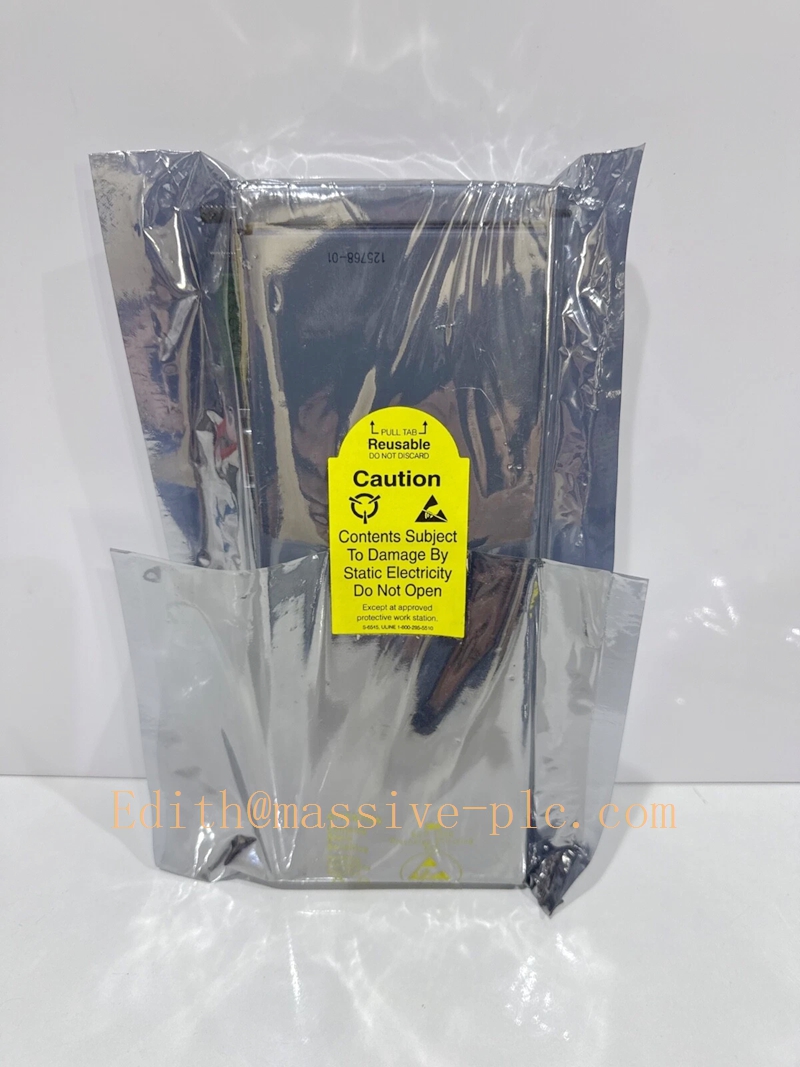
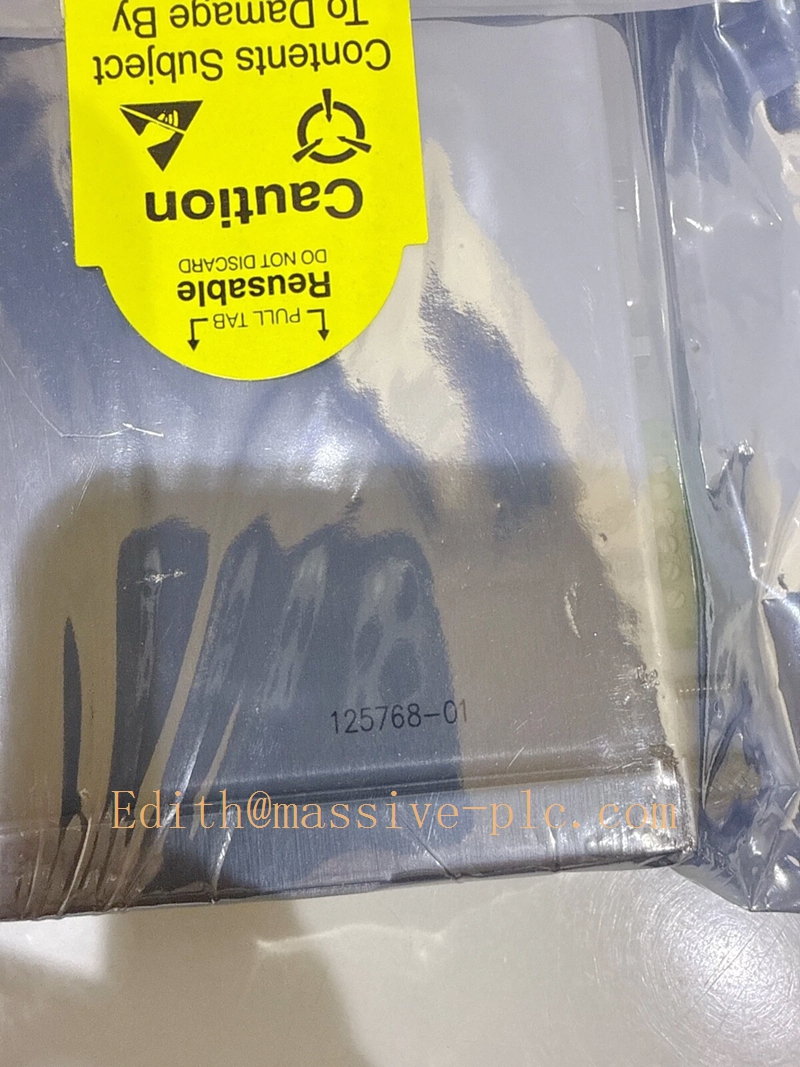
Bently Nevada 3500/20 125768-01 Rack Interface Module Technical Documentation
Product Description
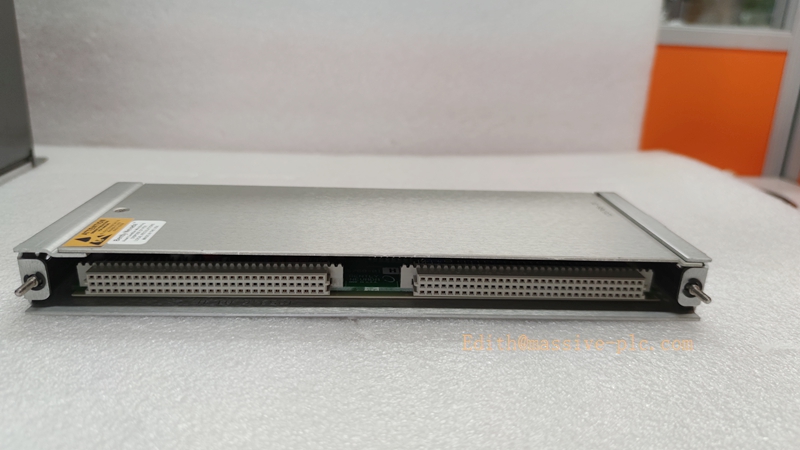
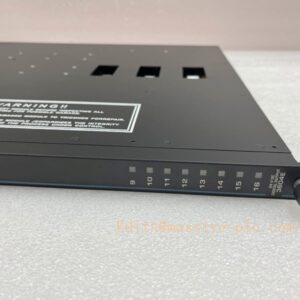
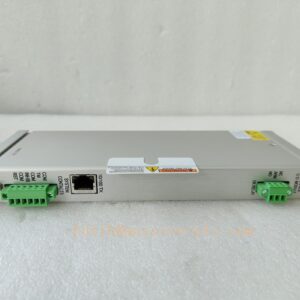
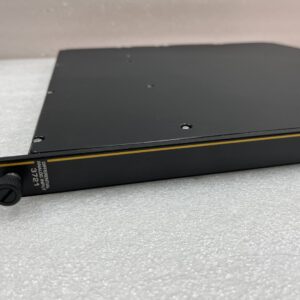
The Bently Nevada 3500/20 125768-01 is a standard Rack Interface Module (RIM) purpose-built for the 3500 Series Machinery Protection System. As the core data hub for a single 3500 monitor rack, it serves as the critical communication bridge between the rack backplane and external monitoring, configuration and control devices. Designed for cost-effective, high-reliability industrial deployment, it eliminates the need for complex Ethernet gateway hardware in mid-to-small scale protection loops, delivering stable data scheduling and system-level diagnostic capabilities for rotating machinery protection applications. It is a factory-original unit manufactured in the U.S., with a standard 12-month warranty for new installations.
125768-01
Technical Specifications
| Parameter | Official Specification |
| — | — |
| Manufacturer | Bently Nevada (Baker Hughes) |
| Part Number | 125768-01 |
| Product Type | Standard Rack Interface Module (RIM) |
| Form Factor | Full-height single-slot card |
| Mandatory Installation Slot | Slot 1 of the 3500 rack, adjacent to the power supply |
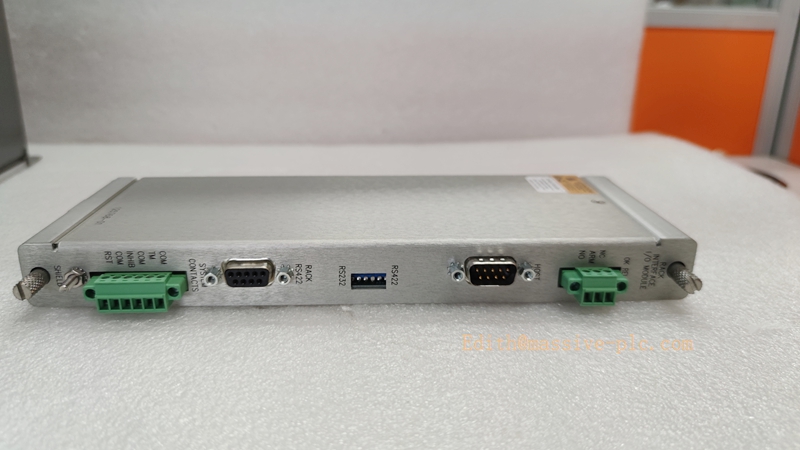
| Communication Interfaces | Dual RS232/RS422 serial ports with auto baud rate adaptation |
| Maximum Serial Transmission Rate | 38.4 kbps |
| Internal Modem Communication Speed | 14.4 kbps |
| Analog Input Range | ±65 V, ±20 mA |
| Digital Input Rating | 24 VDC |
| Digital Output Rating | 24 VDC |
| Typical Power Consumption | 4.75 W |
| Operating Temperature Range | \-30°C to +65°C |
| Storage Temperature Range | \-40°C to +85°C |
| Humidity Rating | 95% non-condensing |
| Net Weight | 0.35 kg |
| Compliance | API 670 Machinery Protection Standard |
Key Features and Advantages
- Centralized Backplane Data Scheduling: Uniformly aggregates all vibration, displacement, speed and status data from every monitor module in the rack, ensuring zero data loss during high-speed dynamic signal acquisition.
– Lightweight Out-of-the-Box Interconnection: Directly supports connection to local display panels, on-site configuration laptops and dedicated Bently Nevada transmitters, no complex network setup or extra protocol conversion hardware required.
– High Cost-Effectiveness for Standard Loops: Delivers full core RIM functionality at a lower total cost than TMR RIM variants, making it ideal for non-safety-critical but high-availability machinery protection applications.
– Low-Power Fast Response Design: Optimized for continuous 24/7 industrial operation, with signal latency far below 10ms to meet real-time protection response requirements.
– Built-In System-Level Diagnostics: Automatically detects backplane communication faults, module power anomalies and configuration mismatches, and reports fault status to the host system for predictive maintenance.
– Native Hot-Swap Support: Allows in-service module replacement without powering down the entire rack, avoiding unplanned downtime during routine maintenance.
Application Fields
- Core communication hub for steam turbines, centrifugal compressors and large industrial generators in power generation and oil & gas refineries
– Standard interface solution for mid-scale rotating machinery condition monitoring loops in metallurgy, mining and pulp & paper facilities
– Data transmission gateway connecting the 3500 rack to System 1® condition monitoring software, PLCs and distributed DCS systems for real-time alarm forwarding and remote configuration
– Central data coordinator for multi-module 3500 racks deployed on critical pump trains, fan groups and gearbox monitoring systems
– Legacy system upgrade replacement for older 3500 racks that do not require full Ethernet networking capabilities
Related Product Recommendations
- 3500/15 AC Power Supply Module: Provides redundant, regulated 24 VDC power for the entire rack, ensuring stable power input for the 125768-01 RIM to eliminate communication interruptions caused by power anomalies.
– 3500/92 Communication Gateway: Adds Modbus RTU/TCP and Ethernet/IP protocol support for users who need to expand the system to large-scale plant-wide DCS integration.
– 3500/42M 138708-01 4-Channel Vibration I/O Module: Works seamlessly with the 125768-01 RIM to transmit full-spectrum radial vibration and axial displacement data to the host monitoring platform.
– 3500 Display Panel: Connects directly to the 125768-01 serial port to provide on-site local status display and alarm indication without a dedicated industrial PC.
Installation and Maintenance Guidelines
6.1 Installation Procedure
1. Power off the 3500 rack before installation, confirm the target slot 1 is empty and the backplane connector is clean and free of dust.
2. Align the module with the rack guide rails, slide it in slowly until the backplane connector is fully seated, then tighten the two front panel screws to a torque of 0.6-0.9 Nm.
3. Connect the serial communication cables to the RS232/RS422 ports, and power on the rack to verify the “RIM OK” indicator on the front panel lights up steadily.
4. Complete full system configuration using 3500 Rack Configuration Software V4.5 or later, download the configuration to the rack and confirm all modules are recognized normally.
6.2 Field Wiring Requirements
- Use shielded twisted pair cables for all serial communication connections, keep signal cables at least 30 cm away from high-voltage power cables to avoid electromagnetic interference.
– Ground the cable shield at one single end only, connected to the designated system protective grounding point to prevent ground loop noise.
– Do not run RIM communication cables in the same cable tray as variable frequency drive output cables or high-current motor power lines.
6.3 Routine Maintenance
- Perform a system communication health check every 6 months, verify that all monitor modules are online and no data transmission errors are logged.
– Clean the module ventilation slots with dry compressed air annually to remove accumulated dust and prevent overheating.
– Back up the full rack configuration file to a secure offline storage location after every configuration modification, to enable fast recovery after module replacement.
6.4 Troubleshooting Tips
- If the RIM indicator is off, first check the rack power supply status and backplane power connection, then inspect the module for physical damage.
– If serial communication fails, verify the baud rate, parity and stop bit settings match the connected host device before replacing the communication cable.
– If the rack cannot recognize other installed modules, power cycle the rack first, then confirm the 125768-01 RIM firmware version is compatible with all other module firmware versions in the system

 Start Chat