
Description
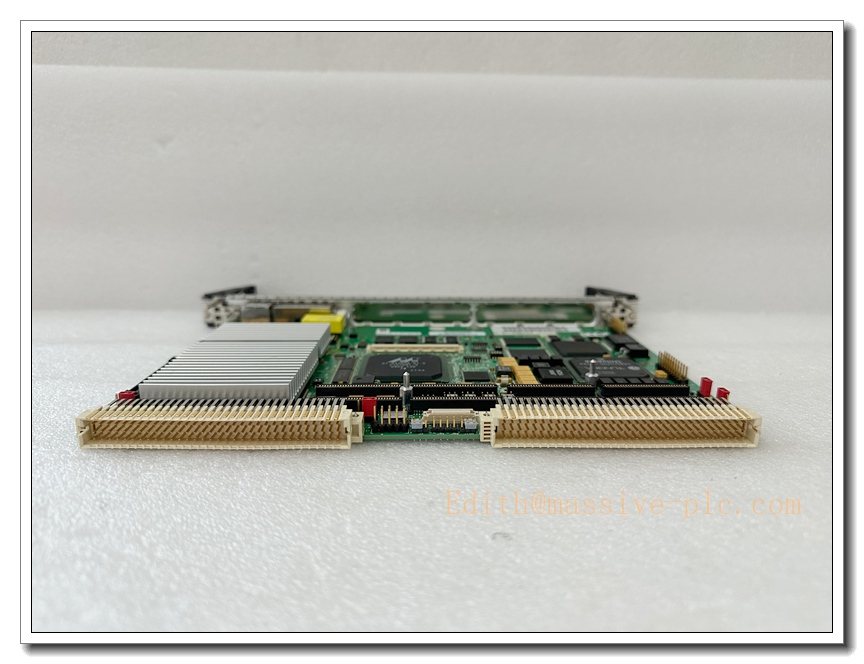
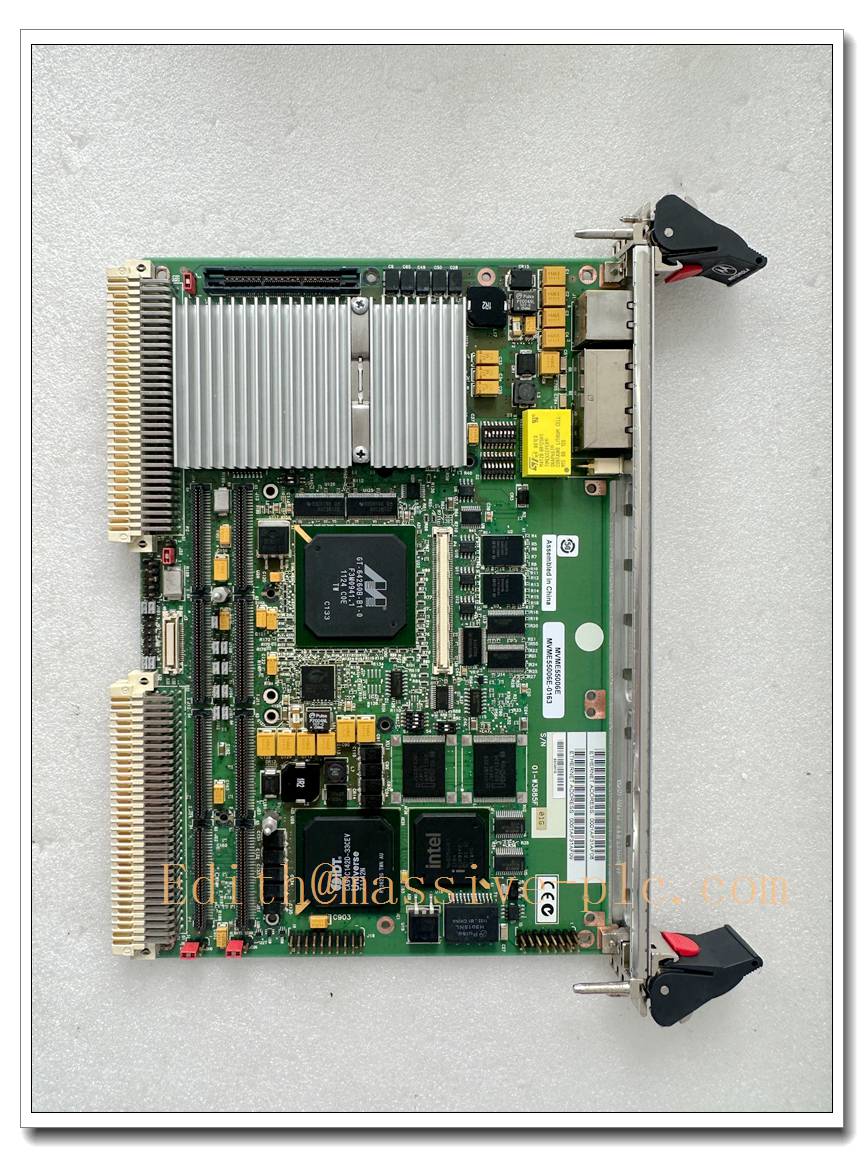
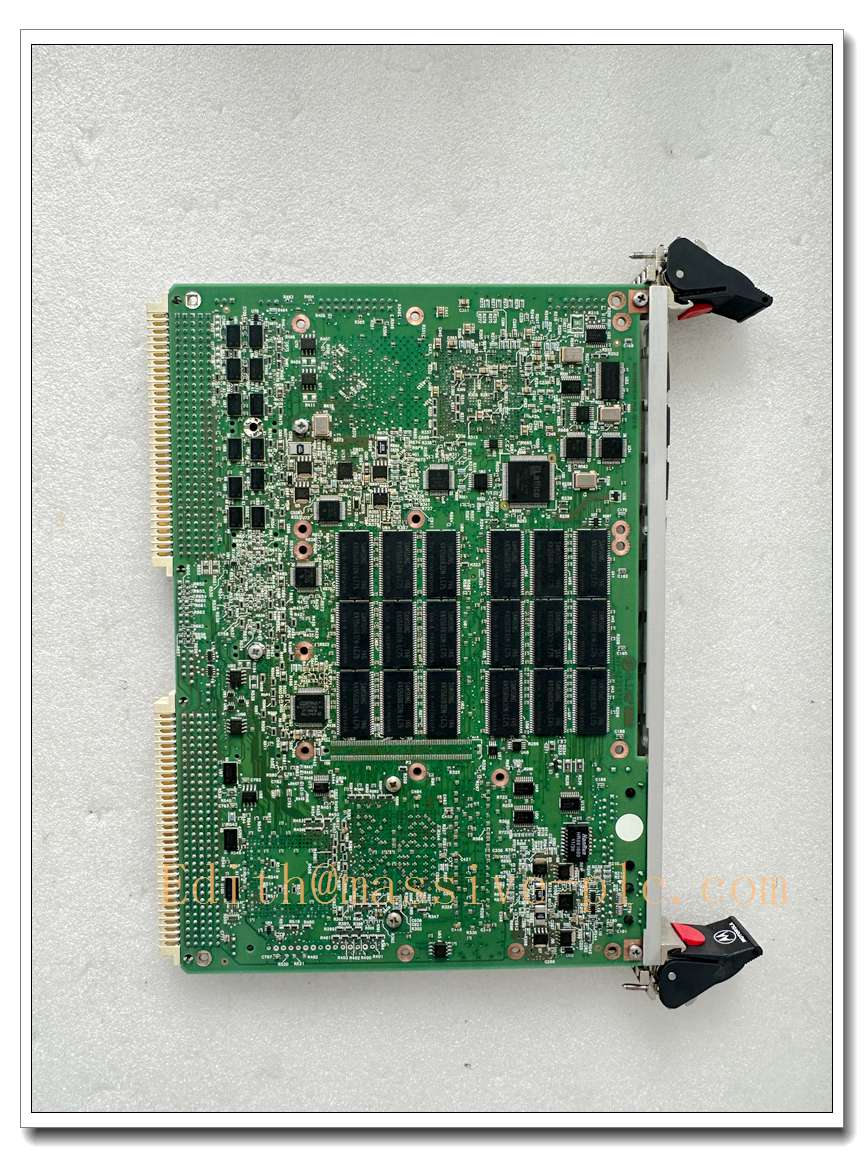
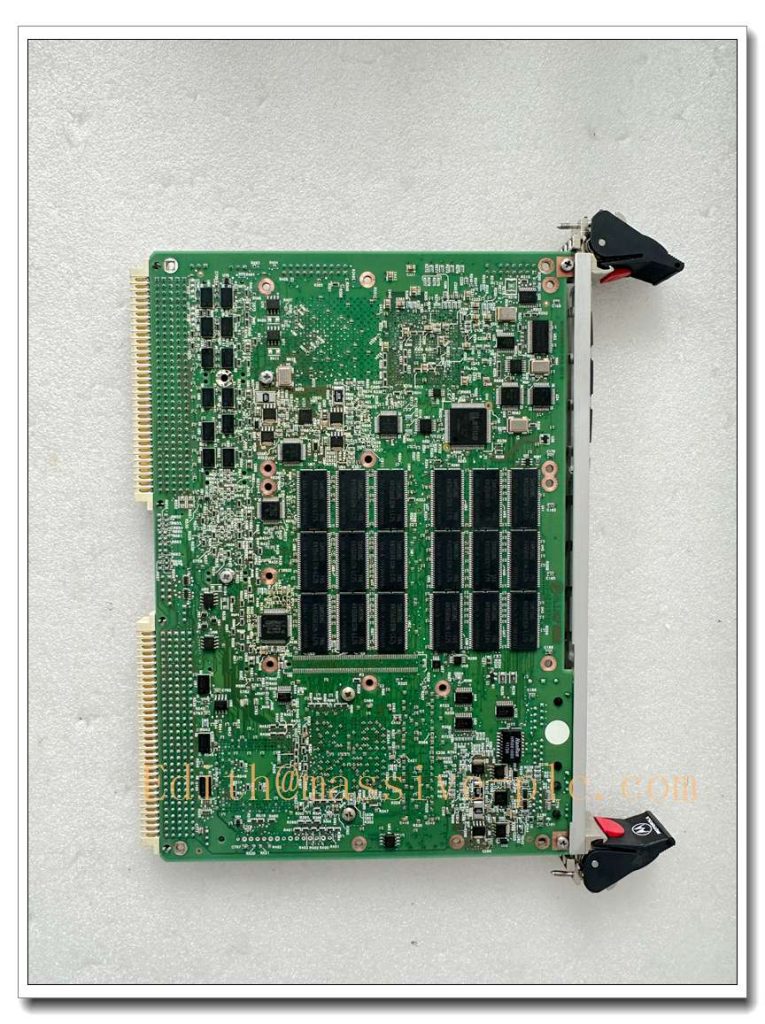
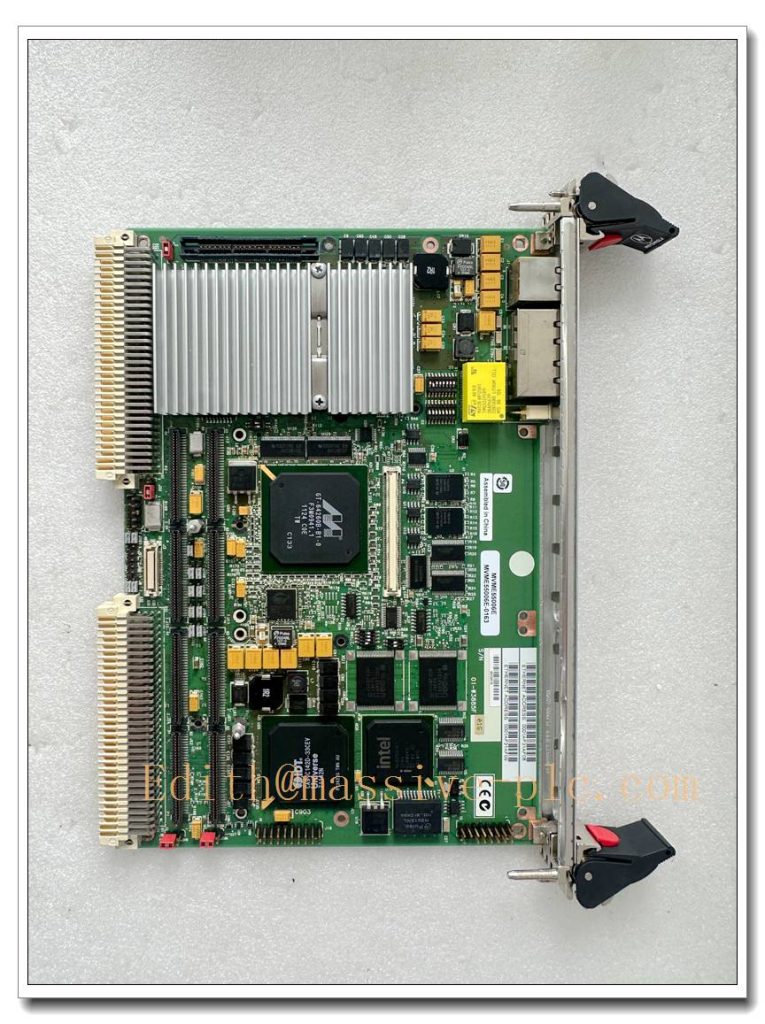
Motorola / Emerson MVME5500-0163 6U VME64x Single-Board Computer
Product Description
The MVME5500-0163 is a high-performance 6U VME64x single-board computer built around the MPC7455 PowerPC processor with AltiVec vector engine. It serves as the master CPU for legacy VMEbus real-time control racks, widely used in critical industrial, power and aerospace embedded systems. This variant is configured with 512 MB ECC SDRAM, dual independent 64-bit PCI buses and two PMC mezzanine expansion slots. It integrates one Gigabit Ethernet port, one 10/100 Ethernet port, dual configurable serial ports, multi-bank boot flash, battery-backed NVRAM and real-time clock. Equipped with the Universe II VME bridge chip, it supports VME master/slave operation, high-speed backplane data transfer and flexible interrupt routing. It runs MOTLoad boot firmware and mainstream real-time operating systems, making it a primary spare replacement for long-lifecycle turbine control, nuclear monitoring and defense test systems.
MVME55006E-0163
Technical Specifications
| Item | Parameter |
|---|---|
| Model | MVME5500-0163 |
| Brand | Motorola / Emerson / Artesyn |
| Form Factor | 6U VME64x single slot board, IEEE ejector handles |
| Processor | MPC7455 PowerPC, 1 GHz, AltiVec vector coprocessor |
| Cache | 32KB I / 32KB D L1, 2MB L3 cache |
| Memory | 512 MB ECC SDRAM, 133 MHz |
| Flash Storage | 8 MB boot Flash + 32 MB user Flash, dual boot banks |
| Non-Volatile Storage | 32 KB battery-backed NVRAM / RTC |
| VME Interface | Universe II VME64x controller, A24/A32, 64-bit transfers |
| PCI | Dual 64-bit PCI buses, 33/66 MHz |
| Expansion | 2 × PMC mezzanine sites (IEEE P1386.1) |
| Network | 1 × 1000BASE-T Gigabit Ethernet; 1 × 10/100BASE-T |
| Serial | 2 × configurable RS232/422/485 ports |
| Power Source | +5 V, ±12 V from VME backplane |
| Operating Temperature | 0°C ~ +60°C commercial; conformal coated version -20°C ~ +70°C |
| Storage Temperature | -40°C ~ +85°C |
| Supported OS | VxWorks, QNX, LynxOS, Embedded Linux |
| Onboard Functions | Watchdog timer, self-test diagnostics, MOTLoad firmware |
Compatibility & Installation Traps
Compatibility
- Works with VME64x compliant backplanes and 6U VME chassis; configurable as VME system controller.
- Supports standard PMC I/O, serial, analog and fieldbus mezzanine cards.
- Requires matching MOTLoad firmware revision and BSP for the target application; boot parameters stored in NVRAM.
- Not pin or firmware drop-in compatible with MVME2400, MVME2600 or MVME2700 series boards; memory map and VME arbitration differ.
Common Installation Traps
- Incorrect slot arbitration setting; multiple boards set as VME system controller cause bus lockup and crash.
- Depleted NVRAM battery; loss of boot IP, MAC address and startup parameters leads to boot failure after replacement.
- Hot insertion with rack power active; backplane transients can damage the Universe II VME bridge and PCI core.
- Mismatched PMC modules and PCI mode jumpers; 66 MHz PMC cards may require manual configuration on header pins.
- Poor rack airflow; sustained high temperature triggers watchdog resets and uncorrectable ECC memory errors.
- Improper Flash bank selection; wrong boot bank selected in MOTLoad prevents loading the runtime operating system.
- Missing ESD controls; exposed PMC connectors and memory devices are highly sensitive to electrostatic discharge.
- Mixing VME64x and older VME32 backplanes without timing validation; heavy bus load causes intermittent data corruption.
Standard Operating Procedure (SOP)
- Pre-inspection: Examine MVME5500-0163 for bent edge fingers, PMC connector damage, component corrosion or battery leakage. Confirm model and revision match the original CPU board.
- Lockout and isolation: Cut VME rack main AC power, confirm zero voltage on the backplane using a multimeter.
- ESD preparation: Wear an ESD wrist strap and use an anti-static mat during all board handling.
- Board extraction: Operate front-panel ejector latches to release the board, slide it out smoothly. Label and remove PMC daughter cards one by one.
- Install replacement board: Insert the new MVME5500-0163 into the target slot, fully seat the edge connector and close ejectors. Reinstall PMC modules carefully.
- Jumper configuration: Verify VME system controller jumpers, PCI clock settings and Flash boot bank selection. Check NVRAM battery status.
- Power-up and POST test: Restore rack power, monitor front-panel status LEDs, enter MOTLoad and run memory, Ethernet and VME self-tests.
- Software commissioning: Restore saved boot parameters, load validated OS image and application software, validate PMC I/O mapping and network communication.
- Final validation: Perform full rack I/O and bus stress testing, confirm data exchange with other VME slave modules, save boot settings and return the system to operational state.
MVME55006E-0163
Application Scenarios
- Gas and steam turbine VME control racks
- Nuclear plant monitoring and protection systems
- Offshore oil and gas platform critical control cabinets
- Aerospace ground test equipment and simulators
- Power generation generator control and protection systems
- Military embedded real-time computing platforms
- Railway signal and interlock control systems
- High-speed data acquisition and signal processing test benches
Matching Components
- 6U VME64x chassis and compliant backplane
- PMC serial, analog I/O or fieldbus mezzanine modules
- VME rack +5 V / ±12 V regulated power supply
- ESD workstation kit and anti-static storage tray
- MOTLoad firmware, board support package and diagnostic tools
- Shielded Gigabit Ethernet and serial console cables
- Replacement NVRAM battery assembly
- VME bus diagnostic software and debug terminal adapter
Recommended Related Models (8)
- MVME5500-0161
- MVME5500-0161R
- MVME5500-0163R
- MVME5500-0171
- MVME5500-0173
- MVME2604
- MVME2700
- MVME3100

 Start Chat