
Description
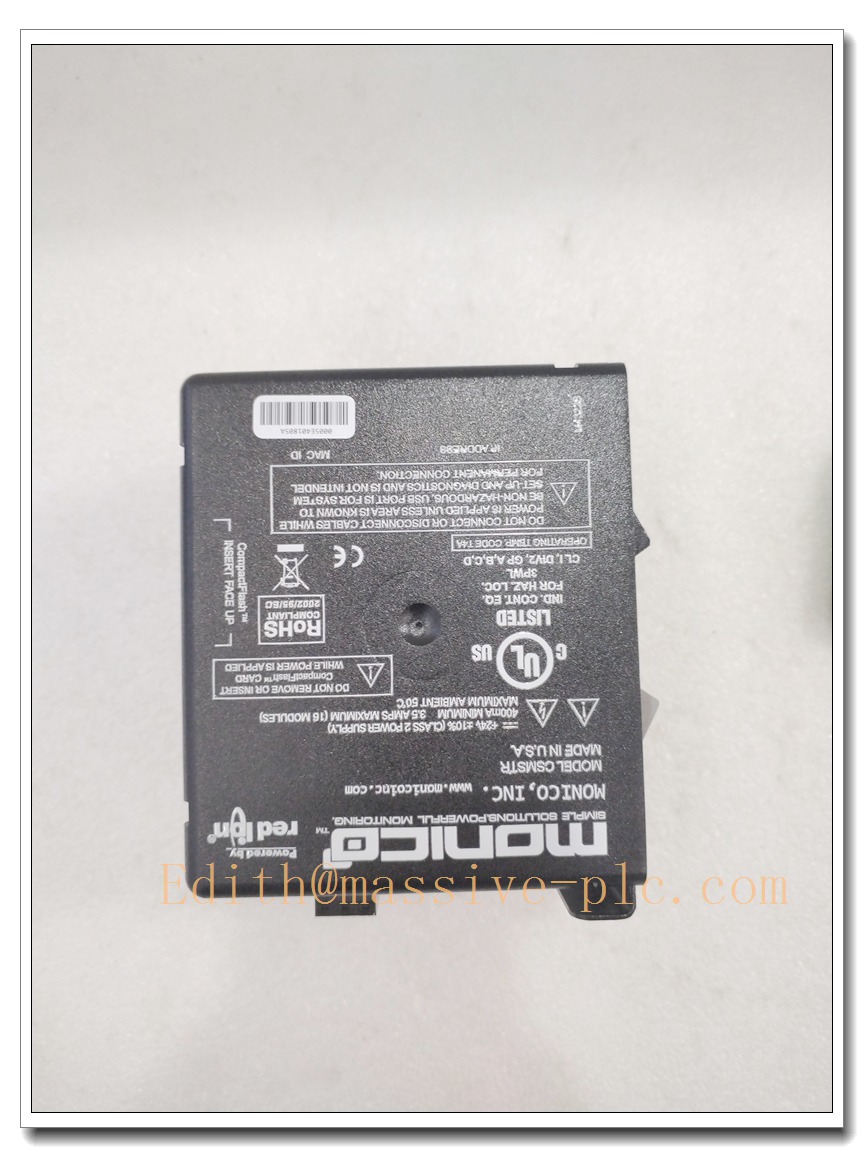
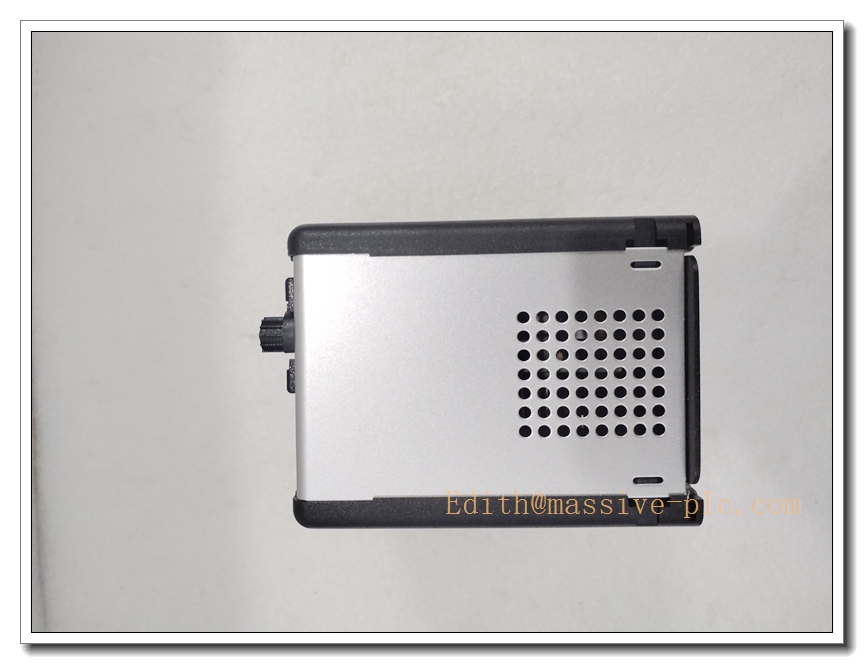
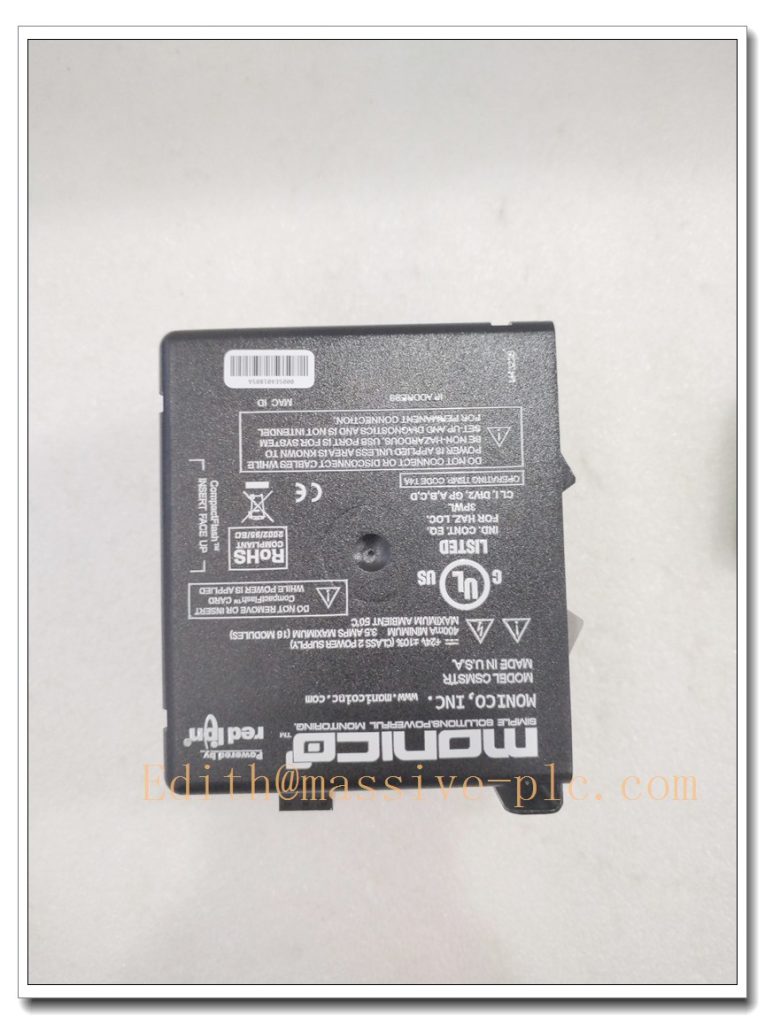
Monico CDL-MCLE-FWM Multi-Protocol Industrial Gateway Module
Product Description
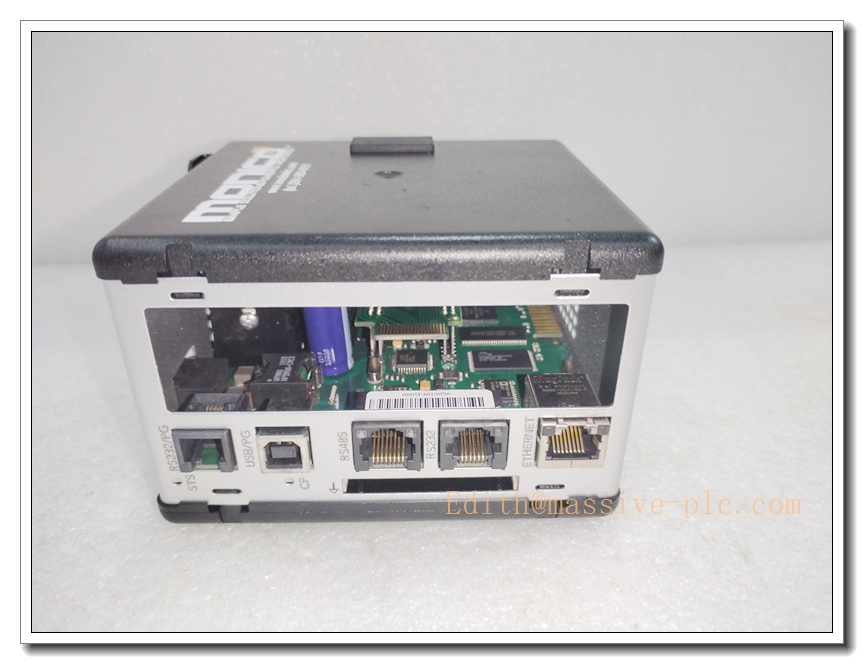
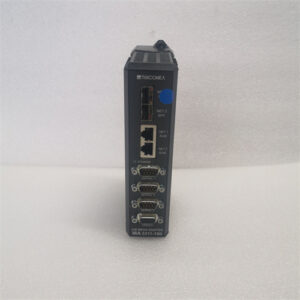
The Monico CDL-MCLE-FWM is a robust DIN-rail mounted protocol gateway and data acquisition module built to bridge disparate industrial communication networks. It converts and routes data between serial field devices and Ethernet-based control systems, supporting engine monitoring, turbine instrumentation, legacy PLCs and SCADA platforms. With galvanically isolated serial ports and dual Ethernet design, it collects real-time operational parameters, alarms and diagnostic information, normalizes data formats, and delivers reliable communication without modifying existing machine control logic. Engineered for harsh oil & gas, power generation and remote skid environments, this unit offers built-in data logging, fault diagnostics and flexible tag mapping. It is widely deployed as a drop-in spare to restore communication links between legacy field instruments and modern host control systems.
CDL-MCLE-FWM
Technical Specifications
| Item | Parameter |
|---|---|
| Model | CDL-MCLE-FWM |
| Brand | Monico Inc. |
| Type | Multi-protocol data gateway, protocol translator |
| Power Supply | 24 VDC, 10–30 VDC wide range |
| Typical Power Consumption | 5 W |
| Interfaces | 2 × RS232/RS485 isolated serial ports; 2 × RJ45 Ethernet ports |
| Supported Protocols | Modbus RTU/TCP, DF1, EtherNet/IP, PROFINET, HART |
| Operating Temperature | -40°C ~ +70°C |
| Storage Temperature | -40°C ~ +85°C |
| Mounting | Standard DIN rail mounting |
| Dimension | 115 × 70 × 60 mm (H × W × D) |
| Weight | 0.35 kg |
| Certifications | CE, UL 508, RoHS, ISA-95 compliant |
| Enclosure Rating | IP20 for cabinet installation |
Compatibility & Installation Traps
Compatibility
- Works with Monico CDL configuration software for tag mapping, protocol setup and firmware upgrade.
- Compatible with Modbus instruments, generator controllers, turbine monitoring systems and SCADA hosts.
- Supports mixed serial and Ethernet topologies; dual Ethernet ports enable network segmentation or redundant communication.
- Not interchangeable with other Monico CDL gateway variants; firmware feature sets and port pinouts differ by model suffix.
Common Installation Traps
- Incorrect RS485 bus termination; missing or duplicate terminating resistors cause unstable serial communication and intermittent data loss.
- Ignoring galvanic isolation requirements; shared grounding between serial devices creates ground loops leading to signal noise and gateway resets.
- Applying supply voltage outside the 10–30 VDC range; reverse polarity will trigger internal protection or damage the power stage.
- Connecting high-voltage wiring to serial terminals; miswiring burns the isolated transceivers permanently.
- Downloading mismatched firmware; wrong firmware disables protocol functions and may require factory recovery.
- Running serial cables alongside VFD or motor power cables without shielding separation, resulting in EMI corruption of field data.
- Mounting the gateway in enclosed cabinet areas with insufficient airflow; high ambient temperature triggers thermal throttling and communication dropout.
- Reusing old configuration files without revalidating tag mapping after replacement; mismatched register addresses produce incorrect readings and false alarms.
Standard Operating Procedure (SOP)
- Pre-inspection: Check the CDL-MCLE-FWM for casing damage, deformed RJ45/serial connectors and visible circuit damage. Confirm model and revision match the original unit.
- Power isolation: Disconnect the 24 VDC power supply and isolate all field serial and network links. Verify no live voltage on terminal blocks.
- ESD control: Wear an ESD wrist strap and use an anti-static mat while handling the module.
- Module removal: Release the DIN rail latch, slide the faulty gateway free and label all serial, Ethernet and power cables.
- DIN rail mounting: Clip the new CDL-MCLE-FWM firmly onto the DIN rail and confirm the locking latch engages.
- Wiring restoration: Reconnect 24 VDC power, RS232/RS485 field instruments and Ethernet host cables following labels; apply proper bus termination for RS485.
- Power-up and network check: Restore DC power, verify power LED status and confirm network link lights activate.
- Configuration and commissioning: Launch Monico CDL software, load the validated project, verify protocol conversion, tag mapping and real-time data exchange. Test alarm transmission and fault reporting.
- Final handover: Save configuration to local backup, record serial number and firmware version, then return the system to normal monitoring mode.
CDL-MCLE-FWM
Application Scenarios
- Gas turbine and reciprocating engine monitoring systems
- Oil & gas remote skid and wellsite telemetry
- Power generation generator set SCADA integration
- Refinery and pipeline field instrument data bridging
- Water treatment plant multi-vendor instrument networking
- Marine and offshore platform control data acquisition
- Factory legacy PLC modernization and protocol migration
- Critical asset remote diagnostic and condition monitoring
Matching Components
- 24 VDC regulated industrial power supply
- Shielded twisted-pair RS485 serial cables and terminal resistors
- Cat5e/Cat6 Ethernet patch cords and network switches
- Monico CDL configuration software and USB programming cable
- DIN rail accessories, end stops and terminal blocks
- ESD wrist strap and anti-static workstation kit
- Surge protection modules for field serial loops
- Network managed switch for redundant Ethernet topology
Recommended Related Models (8)
- CDL-MCLE-FWM-01
- CDL-MCLE-FWM-02
- CDL-MCLE
- CDL-MCLE-HART
- CDL-MCLE-PNET
- CDL-MCLE-EIP
- CDL-MCLE-RTU
- CDL-MCLE-DF1

 Start Chat