
Description
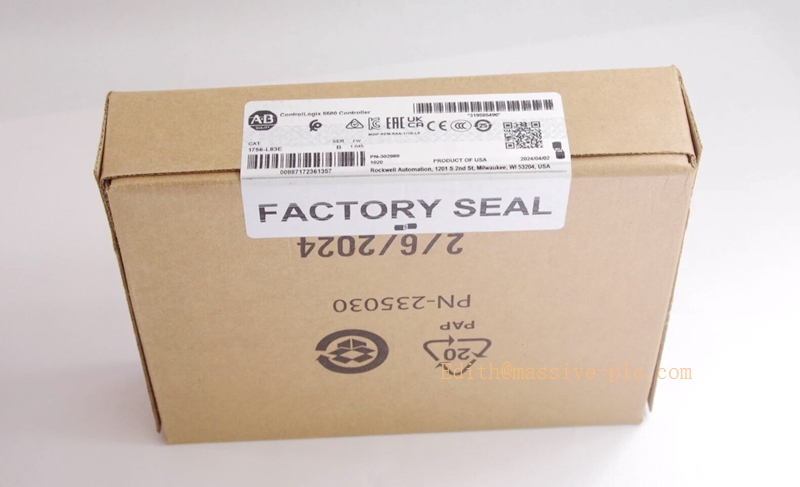
Allen‑Bradley 1756‑L83E ControlLogix 5580 Controller
Model Introduction
Model: 1756‑L83E Part Number:1756‑L83E Device Type: ControlLogix 5580 high‑performance PAC controller module, 1756 ControlLogix chassis plug‑in CPU processor Manufacturer: Allen‑Bradley (Rockwell Automation)
System Compatibility: ‑ Works within standard 1756 ControlLogix chassis; compatible with full series 1756 digital / analog / motion I/O modules. ‑ Programming software: Studio 5000 Logix Designer. ‑ Embedded 1Gbps EtherNet/IP port, USB 2.0 service port. ‑ Pre‑installed 1784‑SD2 (2 GB) SD non‑volatile memory card for program backup / firmware storage. ‑ Related variants:
- 1756‑L83EK: Conformal coated version for harsh environment
- 1756‑L83ES: GuardLogix safety CPU (10 MB standard +5 MB safety memory)
- 1756‑L83EXT: XT extreme‑environment conformal‑coated successor replacement partRockwell A…
Application Scenarios: Large discrete manufacturing, assembly lines, process auxiliary control, material handling, integrated EtherNet/IP motion control. Suitable for projects requiring large memory, high‑speed logic and multi‑axis motion control. Country of Origin: United States Lifecycle Status: Scheduled obsolescence, official end‑of‑sale date 31‑Dec‑2026. After that only surplus / refurbished / stock spare parts available; direct replacement: 1756‑L83EXTRockwell A….
Important note: ‑ 1756‑L83E is standard non‑safety controller. For SIL3 safety application select 1756‑L83ES (GuardLogix safety CPU). ‑ Supports ControlLogix redundancy system with 1756‑RM2 redundancy module. ‑ SD card 1784‑SD2 comes pre‑shipped inside controller.
1756‑L83E
Technical Introduction
Core Functions
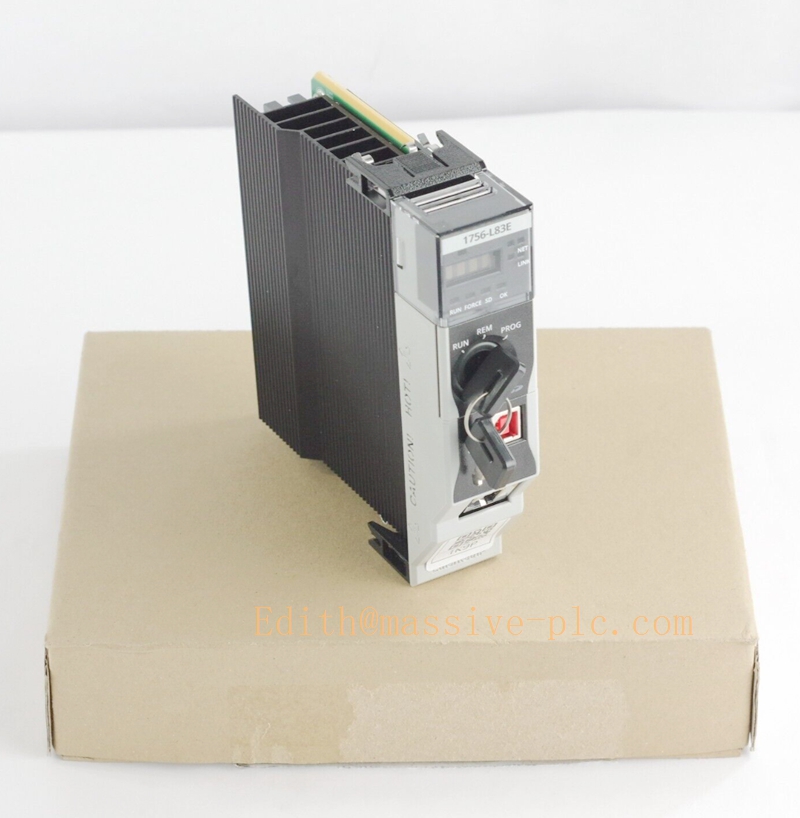
‑ 10 MB user application memory, multi‑core high‑speed processing core. ‑ Max support 128 000 digital I/O / 4 000 analog I/O points, up to 32 tasks, max 1000 programs per task. ‑ Integrated motion: up to 32‑axis motion control over EtherNet/IP. ‑ Embedded 10/100/1000 Mbps EtherNet/IP port, support up to 250 EtherNet/IP nodes. ‑ USB 2.0 port for programming, firmware download, online edit. ‑ Front‑panel 4‑character alpha‑numeric status display, mode key switch (RUN / REM / PROG). ‑ Built‑in energy storage module for retentive tag backup without battery. ‑ Support ladder diagram, function block, structured‑text, sequential function chart programming. ‑ Full support for ControlLogix hot‑swap I/O, chassis redundancy.
Key Technical Specifications
| Item | Parameter |
|---|---|
| User memory | 10 MB |
| Max Digital I/O | 128 000 points |
| Max Analog I/O | 4 000 points |
| Max tasks | 32 tasks, 1000 programs / task |
| Communication | 1×Gigabit EtherNet/IP; 1×USB2.0 |
| Max EtherNet/IP nodes | 250 nodes |
| Motion axes | Up to 32 axes (EtherNet/IP motion) |
| Non‑volatile storage | Pre‑installed 2 GB 1784‑SD2 SD card |
| Chassis current draw | 1.20 A @ 5.1 V DC |
| Power dissipation | 6.2 W |
| Operating temperature | 0 ℃ ~ +60 ℃ |
| Storage temperature | ‑40 ℃ ~ +85 ℃ |
| Weight | 0.25 kg (0.55 lbs) |
| Compliance | UL, CSA, CE, C‑Tick industrial certifications |
Mechanical Feature
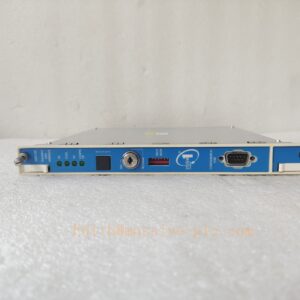
Standard 1756 series plug‑in module, insert into ControlLogix 1756‑A4 / A7 / A10 chassis slot. Front panel: status LED, 4‑digit display, key‑operated mode switch, USB port. Rear gold‑plated backplane connector. CPU itself is NOT hot‑swappable; I/O modules support hot‑swap.
Adaptive Quality Assurance & Test Protocol
3.1 Factory Adaptive QA Procedure
- Power‑on self‑test, firmware version verification.
- Logic download & multi‑task program execution test.
- SD‑card program backup‑restore verification.
- EtherNet/IP communication connectivity & node‑load stress test.
- USB programming / online edit / firmware upgrade test.
- Redundancy function test (if configure redundancy pair).
- Motion axis simulation test (EtherNet/IP motion).
- Environmental screening: temperature cycling, vibration, EMC immunity test.
- Serial‑number traceability, full functional‑test report archived.
3.2 On‑site Acceptance Test Protocol
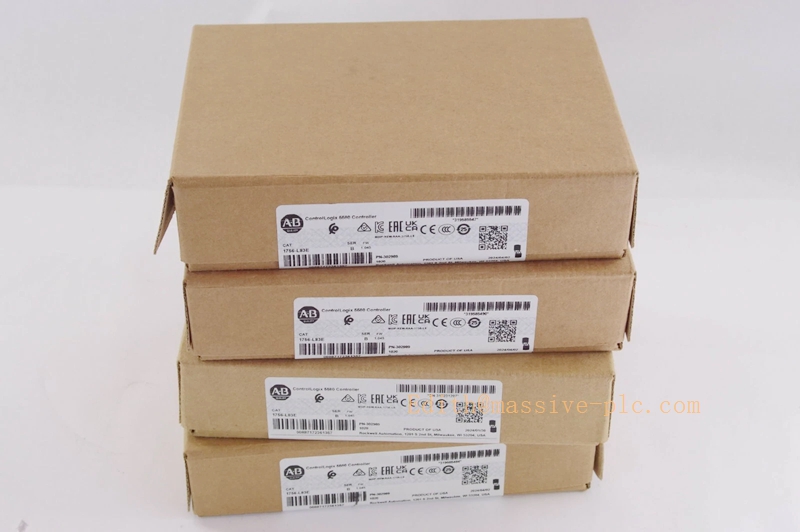
- Visual inspection: module housing, front display, key‑switch, back‑plane connector without damage. Confirm part number 1756‑L83E.
- Chassis installation: insert into correct ControlLogix chassis slot; check back‑plane connection.
- Power‑on chassis, confirm controller completes power‑on self‑test without fault codes on front display.
- Connect PC via Ethernet / USB, download complete Studio 5000 project.
- Verify program run mode, tag read‑write, task scheduling execution.
- SD‑card: perform program backup; power‑cycle test to verify program auto‑restore from SD.
- Test EtherNet/IP communication to remote I/O / drives; verify motion axes if used.
- If redundancy system: test primary‑secondary switch‑over function.
- Record part‑number, firmware revision, Studio 5000 project version and project file backup for site QA archive.
1756‑L83E
Field Engineer Technical Notes
Installation Guidance
‑ Install inside standard industrial cabinet; maintain ventilation around ControlLogix chassis. ‑ Use shielded CAT5e/CAT6 cable for EtherNet/IP network; follow Rockwell network design guidelines. ‑ Distinguish part variants: standard L83E, conformal‑coated L83EK, safety‑type L83ES. They cannot direct drop‑in substitute each other. ‑ Official EOL notice: last order date 31‑Dec‑2026. New projects recommend successor 1756‑L83EXT.
Field note: 1756‑ CPU cannot hot‑swap under power; power‑down chassis before removing/replacing processor module. I/O modules support hot‑swap.
Commissioning Tips
‑ Always backup complete project + SD‑card image after commissioning / modification. ‑ Match Studio 5000 software major‑minor revision with controller firmware version. ‑ For redundancy configuration: use matched firmware revision for primary & secondary CPU.
Troubleshooting Common Issues
- Controller fault code on front display: Read fault codes via Studio 5000 controller fault log.
- Cannot download project: Check USB / Ethernet IP‑address, firewall settings, firmware‑software version compatibility.
- EtherNet/IP I/O connection dropout: Check network cable, switch, IP conflict, network load.
Diagnostic: Read controller fault log via Studio 5000 for detailed failure root‑cause.
Maintenance & Spare‑part Recommendation
‑ No field‑serviceable internal parts; replace whole CPU module on hardware failure. ‑ Spare‑part suggestion: For existing running system, stock spare 1756‑; for new‑build use successor 1756‑L83EXT. Ensure spare‑unit firmware matches site running firmware version. ‑ Preventive check during shutdown: inspect chassis back‑plane connector, module locking latch tightness.
ControlLogix 5580 CPU family comparison table
| Part Number | Memory | Coating | Safety | Remark |
|---|---|---|---|---|
| 1756‑L81E | 3.5 MB | Standard | Non‑safety | Entry‑level 5580 CPU |
| 1756‑L82E | 5 MB | Standard | Non‑safety | Mid‑range CPU |
| 1756‑ | 10 MB | Standard | Non‑safety | Main‑stream high‑performance, EOL Dec‑2026 |
| 1756‑L83EK | 10 MB | Conformal coated | Non‑safety | Harsh environment version |
| 1756‑L83ES | 10+5 MB | Standard | GuardLogix SIL3 | Safety controller |
| 1756‑L83EXT | 10 MB | XT conformal coated | Non‑safety | Active successor replacement for |

 Start Chat