
Description
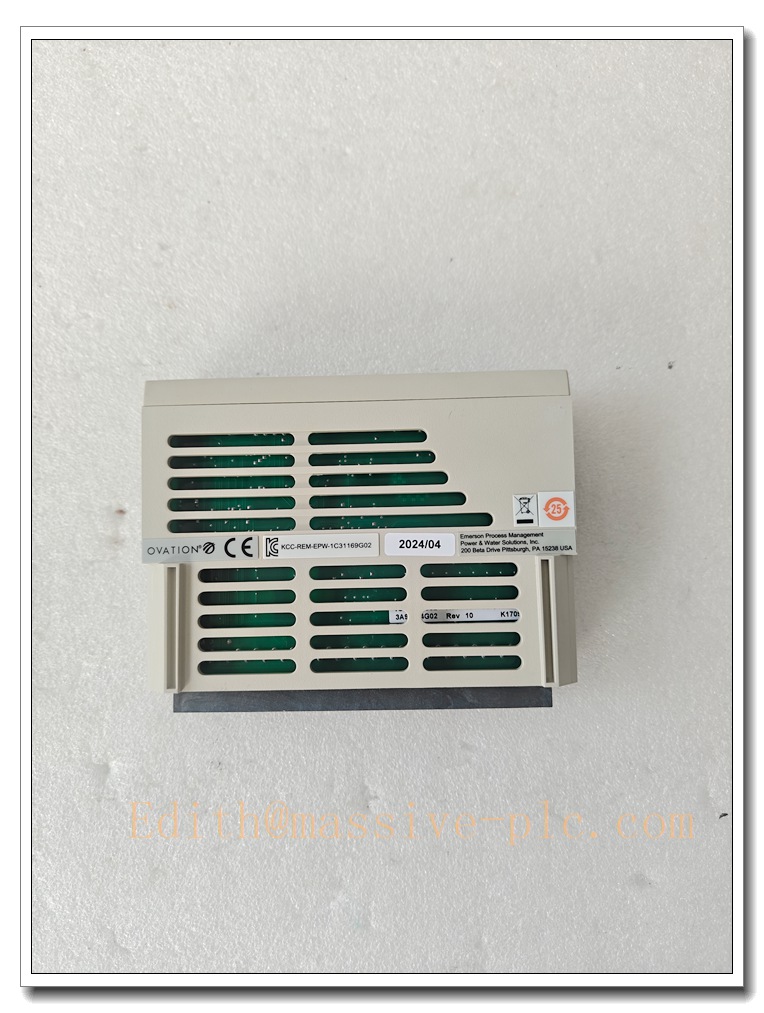
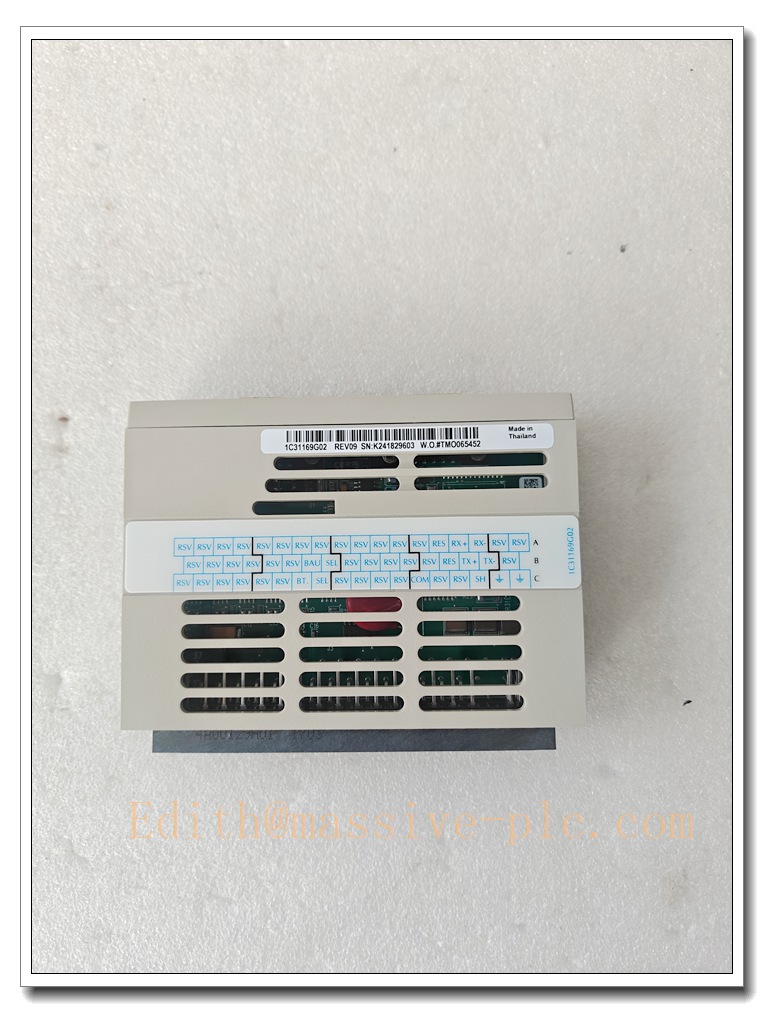
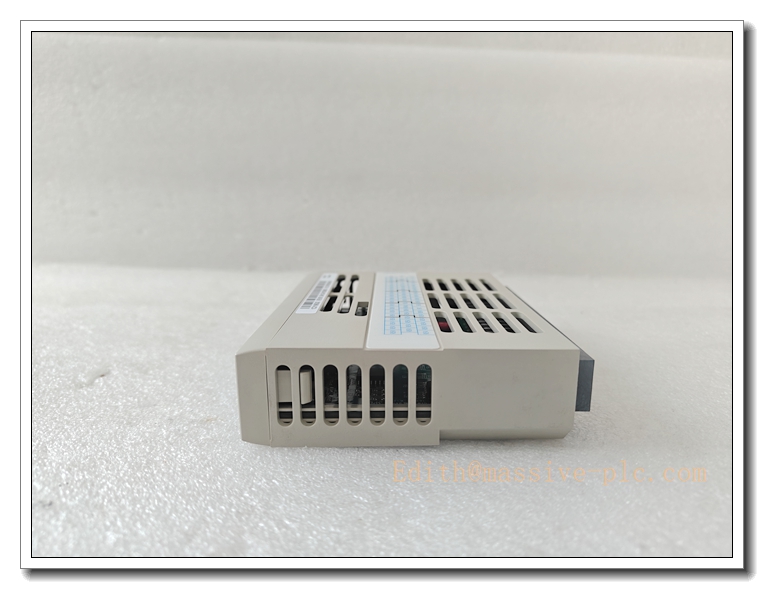
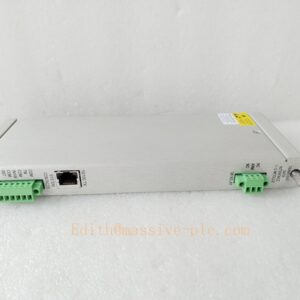
1C31169G02 Ovation Dual‑Port Serial Link Controller, Emerson DCS Serial Communication Gateway for Modbus RTU and Third‑Party Serial Device Integration
Product Application
1C31169G02 is a dedicated serial link communication module of Emerson Ovation DCS system. It provides two independent serial ports to realize data exchange between Ovation controller and external serial intelligent devices. It supports Modbus RTU and multiple common serial protocols, widely used in power plants, petrochemical and pulp & paper industries. Typical connected devices: third‑party PLC, vibration monitoring system, protection relay, electric energy meter, frequency converter, serial printer and RTU remote terminal unit. The module collects field device data and maps them to Ovation system points for operator screen display, alarm interlock and historical trend recording. It can also send control commands from Ovation down to serial slave equipment. This communication card is often used for retrofitting old‑site serial instrument access to Ovation DCS.
1C31169G02
Product Specifications
- Part Number: 1C31169G02
- Product Family: Emerson Ovation DCS I/O & Communication Modules
- Function: Serial Link Controller
- Port: 2 independent serial communication ports
- Supported Interface: RS232 / RS485
- Max Baud Rate: Up to 115.2 kbps
- Mounting: Hot‑swappable plug‑in module, installed in Ovation standard I/O rack
- Communication Protocol: Modbus RTU master / slave, Ovation custom serial drivers
- Indication: Front panel LED indicators for module run, fault and each serial port Tx/Rx activity
- Cooling: Natural convection cooling
- Protection Grade: IP20, cabinet‑mount application
- Origin: USA
Core Technical Parameters
- Power Supply: Powered through Ovation I/O rack backplane
- Baud Rate Selection: 300 ~ 115200 bps configurable
- Serial Frame Format: 7/8 data bits, 1/2 stop bits, odd / even / no parity
- Port Isolation: Galvanic isolation for each serial channel
- Operating Temperature: 0 ℃ ~ +60 ℃
- Storage Temperature: -40 ℃ ~ +85 ℃
- Relative Humidity: 5%–95%, non‑condensing
- EMC: Meet heavy industrial EMC requirements for power plant & process plant cabinet
- Diagnostics: Serial communication timeout, frame error, bus fault alarm
- Dimension: 130 × 100 × 70 mm
- Weight: Approx. 0.5 kg
Recommended Matching Models (8 Models)
Complete Ovation serial communication rack supporting spare parts:
- Ovation Main Controller
- 1X00416H01 Ovation Rack 24VDC Power Supply
- 1X00852H01 I/O Rack Backplane
- 1C31166G02 Link Controller
- Modbus RTU Protection Relay
- Shielded RS485 Twisted‑Pair Communication Cable
- Serial Signal Surge Protector
- Ovation Engineering Workstation for serial driver configuration
1C31169G02
Product Features
✅ Dual Independent Serial Communication Ports Two separate serial channels can connect two different serial buses at the same time. One channel fault will not affect the operation of another channel, improving communication redundancy and system stability.
✅ High Baud Rate Up to 115.2 kbps Supports high‑speed serial data acquisition, suitable for third‑party devices with large data volume and fast refresh requirement.
✅ Modbus RTU Master / Slave Function Built‑in Modbus RTU driver. Ovation can act as master to poll slave instruments, or act as slave to provide Ovation internal data to upper host serial system.
✅ Hot‑Swappable Plug‑in Design The module can be replaced online when rack is powered on, without shutting down the whole I/O rack and interrupting other normal I/O signals.
✅ Port‑Level Real‑time LED Status Display Front‑panel Tx/Rx LED directly shows data sending and receiving activity of each serial port, maintenance personnel can quickly judge whether serial bus is communicating normally on site.
✅ Channel Galvanic Isolation Isolation design between Ovation control side and field serial side effectively eliminates ground loop noise interference caused by different grounding potentials of field devices.
✅ Seamless Ovation System Integration After inserting the module, Ovation engineering software can identify the hardware automatically. Configure serial port parameters and point mapping relationship, and the data of serial equipment can be directly used for control logic and monitoring screen without complex custom programming.
Installation Guidelines
- Cut off rack power supply before non‑redundant installation. Hot‑swap replacement can be carried out following Ovation maintenance operation procedure.
- Insert 1C31169G02 vertically into the dedicated communication slot of Ovation I/O rack, tighten front panel fixing screws to ensure reliable contact between module and backplane connector.
- Terminate RS232 / RS485 shielded twisted‑pair cable to the module serial terminals. Use single‑point shielding grounding for communication cable.
- For multi‑drop RS485 bus, install terminal matching resistor at both ends of the bus according to field wiring length.
- Serial communication cables must be laid separately from high‑voltage power cables in cable tray to avoid electromagnetic interference.
- Power on the rack, check the front panel RUN LED is steady on and no hardware fault alarm.
- Open Ovation engineering station, configure baud rate, parity, station address and register mapping for each serial port, download the serial driver configuration.
- Observe the flashing of port Tx/Rx LED, verify that the data of third‑party serial device is correctly displayed on Ovation operator graphic before formal online operation.
Maintenance Instructions
Daily Maintenance Check module running status and serial port communication LED indicators. Monitor Ovation alarm list for serial timeout and communication failure alarms. Check communication terminals for looseness and oxidation.
Periodic Maintenance Every 6–12 months: Back up serial driver and point mapping configuration. Clean the dust accumulated on the circuit board. Check RS485 bus terminal resistor and cable insulation. Count serial communication error logs.
Fault Maintenance
- Serial port no communication: Check serial cable breakage, inconsistent baud rate / parity parameters, power supply of remote serial device.
- Grounding interference: Check cable shield grounding and channel isolation.
- Module offline: Re‑seat the module, inspect rack backplane contact and power supply. Replace spare 1C31169G02 and restore the saved serial configuration.
- Static protection measures must be taken during module handling. Do not disassemble the module housing privately.
Long‑Term Operation Tips Avoid overlong RS485 bus without signal repeater. Install surge protection for field serial cables exposed outdoors. Keep control cabinet dry and dust‑free.
Brand Same‑Series Models (6 Models)
Ovation serial communication controller family:
- 1C31169G02 – Dual‑Port Serial Link Controller (Target Model)
- 1C31166G02 – Ovation Link Controller
- 1C31179G02 – Media Attachment Unit
- 1C31181G02 – PMOD Media Attachment Module
- 1C31189G01 – Speed Detector Interface
- 1C31192G01 – Speed Detector Module

 Start Chat