
Description
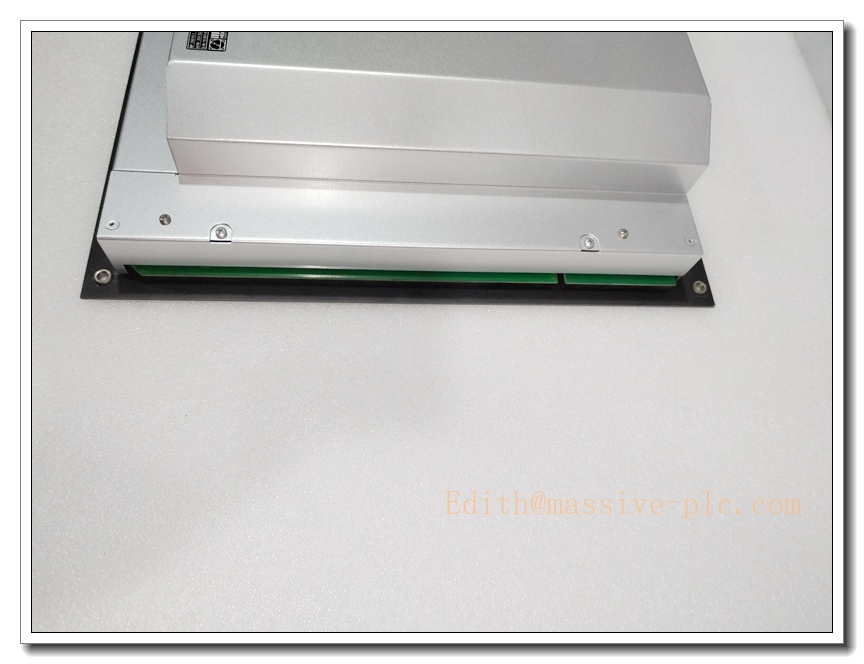
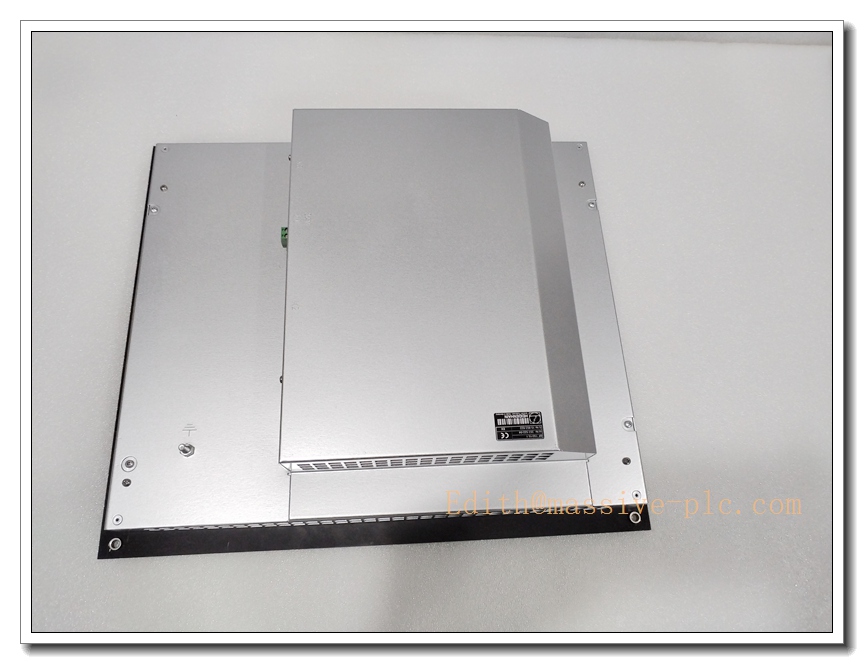
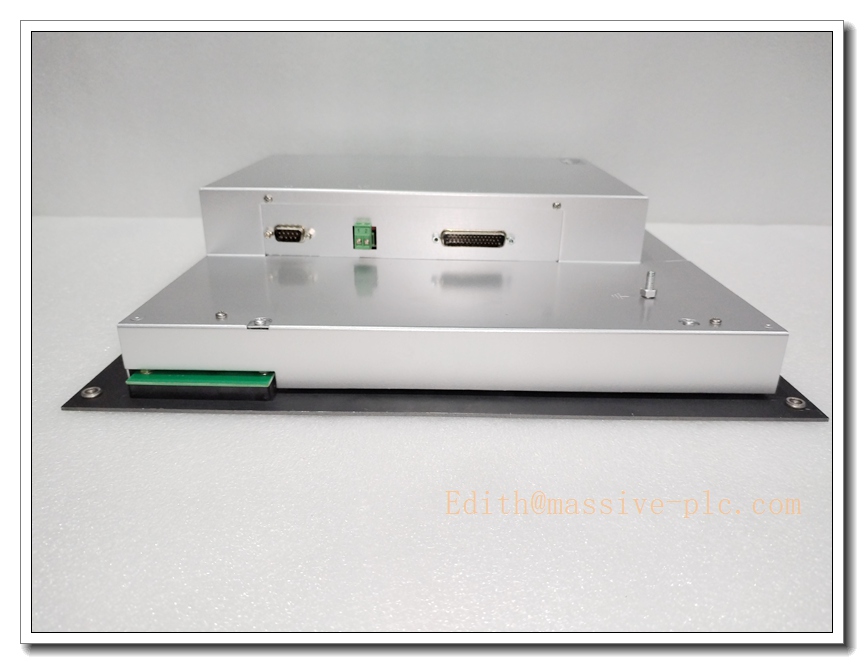
Heidenhain BF150/15.1 (ID 353522-04) 15-inch XGA Color Operator Display for iTNC530 CNC
Core Product Overview
The BF150/15.1 (ID 353522-04) is a Heidenhain 15” industrial color flat-panel HMI display, designed to pair with the iTNC530 CNC control system for high-end machining centers. It features integrated softkeys on the front panel, LVDS2 interface, XGA resolution, and 24VDC power supply. The unit handles CNC program display, toolpath graphics, modal operation softkey switching, screen split view and PLC function softkeys. Widely fitted on Hermle, DMG, and other European milling machines. Original production is discontinued; available stock is surplus or professionally refurbished bench-tested spare replacement panels.
BF150/15.1 353522-04
Main Technical Specifications
- Part Number: BF150/15.1, Heidenhain ID: 353522-04
- Manufacturer: Heidenhain
- Device Type: CNC Operator Display / HMI Panel
- Screen Size: 15-inch Color TFT
- Resolution: XGA 1024 × 768
- Video Interface: LVDS2
- Supply Voltage: DC 24 V
- Power Consumption: Approx. 45 W
- Front Softkeys: 8 horizontal softkeys + 6 vertical PLC softkeys
- Front Panel: Powder-coated aluminium, RAL9007, protective glass
- Mechanical Cutout: Standard BF150 panel mounting
- Compatible CNC: iTNC530
- Operating Temperature: 0°C ~ +50°C (cabinet environment)
- Humidity: 5%–90% non-condensing
- Certifications: CE
- Status: Obsolete, end of original production; stock available as surplus or refurbished tested units
Same-Series Model Recommendations (8 Models)
- BF150/15.1 ID 353522-04: Standard 15” XGA iTNC530 display (subject model)
- BF150 ID 353522-02: Early hardware revision of
- ID 353522-03: Intermediate variant
- BF155M: Alternative 15” Heidenhain operator panel for TNC controls
- BF120: 12.1” compact Heidenhain CNC display
- BF170: 17” widescreen operator panel for newer TNC systems
- BF220: 22” large-format Heidenhain HMI
- BC120: Touchscreen variant for TNC CNC platforms
Professional Quality Control & Testing SOP
All surplus and refurbished /15.1 353522-04 displays follow this inspection workflow:
- Visual & Front Panel Inspection: Check protective glass for scratches, softkey membrane wear, LCD pixel damage, frame corrosion, connector pins and ID label integrity.
- 24VDC Power Bench Test: Apply 24V DC supply, verify stable power draw, no over-current or power cycling faults.
- LCD Pixel & Backlight Test: Check for dead pixels, flicker, uneven backlight, colour rendering and brightness adjustment.
- Softkey Functional Test: Validate all horizontal and vertical softkeys register correctly with test controller.
- LVDS Signal Interface Test: Connect to iTNC530 simulator, confirm stable video sync and data communication.
- Front Panel Button & LED Test: Test mode switching, screen split function, softkey bank toggle.
- Thermal Soak Test: Run display at elevated cabinet temperature to expose intermittent backlight or connector faults.
- Final Cleaning & Packaging: Clean glass and frame, inspect cable connectors, ESD packaging with printed test certificate.
New / Refurbished Display Installation Guidelines
- Pre-Installation Safety: Execute lockout-tagout; isolate machine main power and CNC control supply to prevent high-voltage shock and unintended axis movement.
- Panel Cutout & Chassis Check: Confirm machine cutout matches dimensions, check cabinet ventilation and cooling fan operation.
- Mechanical Mounting: Fit display evenly into the panel cutout, secure mounting fasteners without over-tightening to avoid glass stress.
- Cable Termination: Reconnect LVDS video cable, 24VDC power and softkey ribbon cables; ensure proper strain relief and shielding grounding.
- System Configuration: No special software setup required for iTNC530; confirm display type matches CNC parameter setting.
- Pre-Commissioning Functional Test: Power CNC offline; verify boot screen, graphics rendering, softkey response and screen split function.
- Machine Commissioning: Jog axes safely, load CNC programs, check toolpath graphics and operator key functions, back up CNC parameters.
Application Scenarios & Product Features
Typical Application Scenarios
- iTNC530 CNC equipped 3/5-axis machining centres
- Hermle, DMG and other European high-precision milling machines
- Retrofit spare replacement for existing operator panels
- Machine tool rebuild and CNC upgrade projects
- Workshop maintenance spare inventory for Heidenhain TNC controls
Core Product Features
- 15-inch XGA colour TFT optimized for Heidenhain iTNC530 CNC
- Dedicated front-panel softkeys for CNC cycles and PLC functions
- Supports screen splitting and softkey bank switching
- LVDS2 digital video interface for stable CNC graphics
- 24V DC industrial power input, low EMI design
- Rugged aluminium front panel with protective glass for machine shop environments
- Plug-and-play replacement for older ID variants
- Displays NC programs, tool paths, status diagnostics and workpiece coordinates
Frequently Asked Questions (FAQ)
A1: is the Heidenhain display family; /15.1 denotes hardware revision. 353522-04 is the official Heidenhain unique ID number for this specific LVDS2 15” XGA version for iTNC530.
A2: Mechanical mounting is identical, but LVDS interface and CNC firmware compatibility must be verified in the iTNC530 parameters; some older controls require parameter adjustment.
A3: No, this operator display is obsolete and discontinued. Available stock is surplus or professionally refurbished and bench tested.
Q4: What are common failure modes for this display? A4: Typical faults include backlight inverter ageing, dead LCD pixels, worn softkey membrane, LVDS connector pin oxidation and ribbon cable damage from machine vibration.
Q5: Can I hot-swap this display while the CNC controller remains powered? A5: Hot swap is not recommended. Power down the CNC rack before disconnecting LVDS and power cables to avoid video driver damage or controller fault.

 Start Chat