
Description
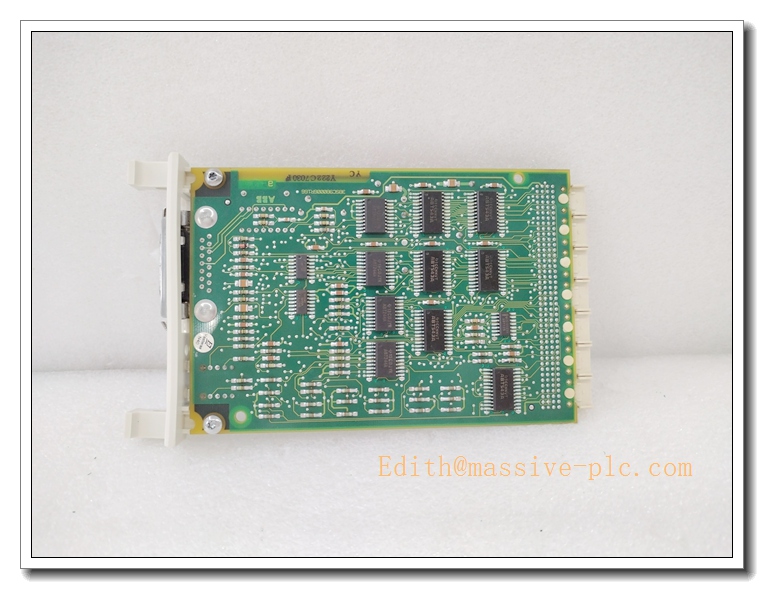
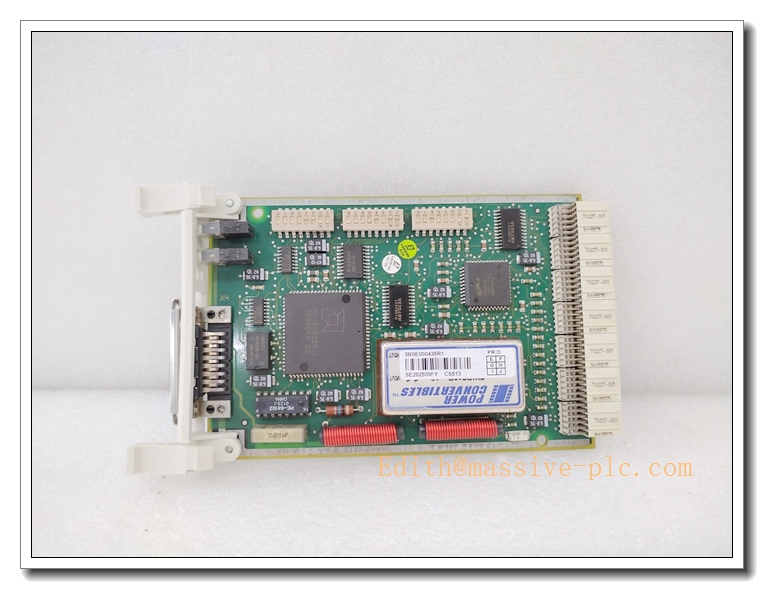
ABB CS513 3BSE000435R1 IEEE 802.3 LAN Communication Module, Advant OCS MasterBus 300/300E Network Interface Card, DCS Automation Spare Part
Product Application
CS513 is an Ethernet LAN communication module for ABB Advant OCS system, used to build MasterBus 300 / MasterBus 300E industrial network, realize high-speed data exchange between controllers, operator stations and field control units.
- Power plant boiler & turbine DCS monitoring and control system
- Petrochemical continuous process control and safety interlock
- Metallurgy rolling mill and furnace automation control
- Cement plant kiln production line monitoring
- Water & wastewater treatment large-scale distributed control system
- Old ABB Advant OCS system upgrade and spare replacement projects
- Industrial process data transmission between HMI and controller nodes
CS513 3BSE000435R1
Specifications
- Part Number: CS513, 3BSE000435R1
- Brand: ABB
- Product Type: IEEE 802.3 LAN / MasterBus 300E Communication Module
- Compatible System: ABB Advant OCS, AC410, SG400 controller
- Mounting: Rack slot mounting inside DCS cabinet
- Protection Class: IP20 (cabinet installation only)
- Weight: Approx. 0.2 kg
- Power supply: 5V DC / 24V DC from backplane
- Power consumption: Max 8W
- Condition: Original new / refurbished spare available
- Compliance: CE, IEC industrial EMC standard
Parameters
- Communication Standard: IEEE 802.3 Ethernet
- Network Protocol: MasterBus 300 / MasterBus 300E (configurable via DIP switch)
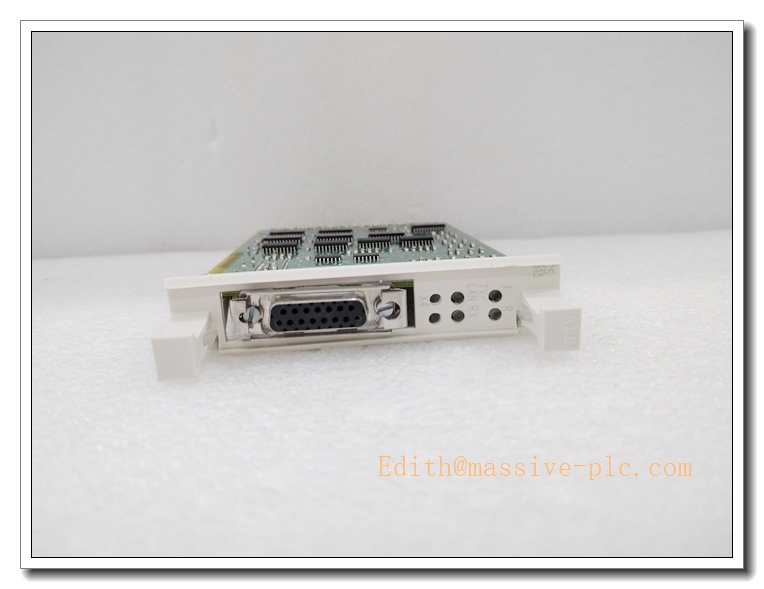
- Interface: RJ45 Ethernet port
- Data Rate: 10 Mbps
- Station address: Configurable by on-board DIP switch
- Operating temperature: -20°C ~ +55°C
- Storage temperature: -40°C ~ +70°C
- Relative humidity: 5%~95% RH, non-condensing
- Status indicator: Front panel LED indicators for power, link and communication fault
- Hot swap: Support hot plug replacement under qualified system configuration
Key Features
- Dedicated LAN communication module for ABB Advant OCS platform, support MasterBus 300 and 300E modes
- 10Mbps IEEE802.3 Ethernet interface for stable high-speed process data transmission
- On-board DIP switch to switch bus working mode and set station address easily
- Front LED status indicators for quick network diagnosis and fault location
- Standard rack slot installation, compact structure, convenient replacement during maintenance
- Strong EMC anti-interference performance, suitable for continuous process heavy industrial environment
- Reliable spare part for legacy Advant OCS DCS system maintenance and retrofit
CS513 3BSE000435R1
ABB Same Series Related Models (≥6)
- CS513 3BSE000435R1
- CS511 3BSE000433R1
- CS512 3BSE000434R1
- CS514 3BSE000436R1
- CS515 3BSE000437R1
- CS520 3BSE000440R1
- CS521 3BSE000441R1
Maintenance
- Routine inspection: Check module LED status, RJ45 connector and network cable shielding every 6–12 months
- Clean dust on module surface with dry compressed air; liquid solvent cleaning is prohibited
- ESD protection must be adopted during disassembly, anti-static wristband required
- When network communication interrupt occurs, check cable integrity, DIP switch setting and bus termination
- Do not power on the module if PCB corrosion, burn marks or condensation are found
- We support function testing, refurbishment and spare replacement service for this LAN module
Installation
- Cut off the DCS cabinet power supply or follow system procedure for hot-swap operation.
- Wear anti-static wristband to prevent electrostatic damage to PCB components.
- Insert CS513 module into the designated rack slot, lock the module fastening latch.
- Set DIP switch to select MasterBus 300 / 300E mode and configure station address.
- Connect shielded Ethernet cable to RJ45 port, ensure cable shield grounding properly.
- Check all connections and confirm no loose wiring inside cabinet.
- Restore power supply, download system network configuration.
- Verify network link status, test data communication between controller and HMI stations, complete commissioning.

 Start Chat