
Description
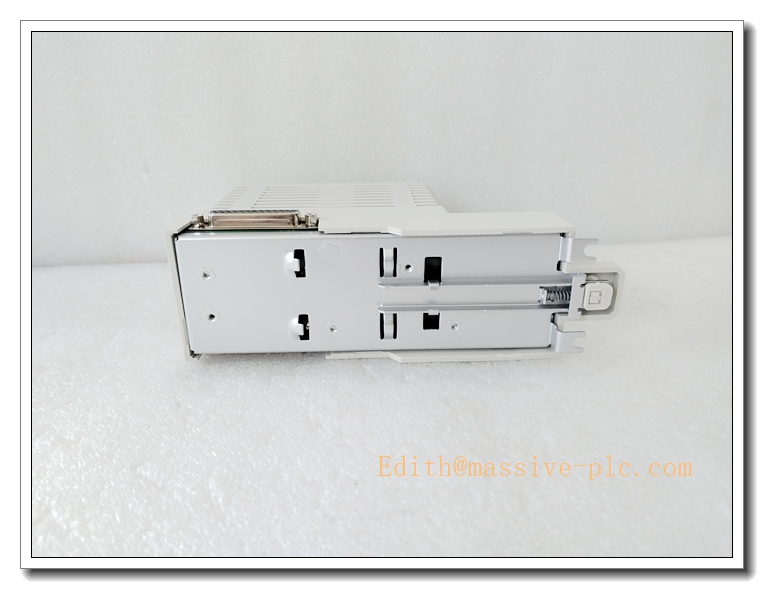
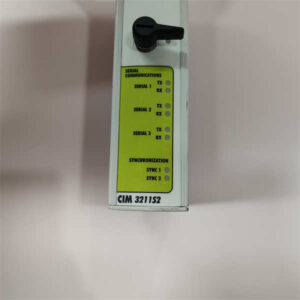
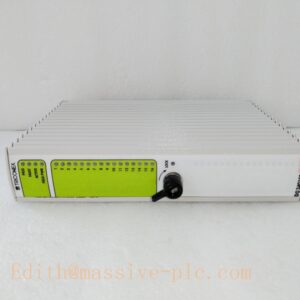
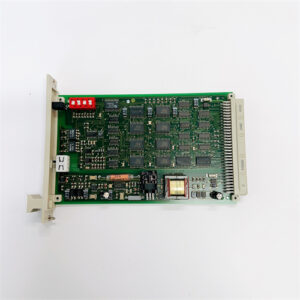
ABB CI853K01 3BSE018103R1 Dual RS232-C Serial Communication Interface Module, AC800M 800xA DCS COMLI Modbus RTU Fieldbus Adapter, Industrial Automation Spare Part
Product Application
CI853K01 is a dual-channel RS232-C serial communication module for ABB AC800M controller and 800xA DCS system. It realizes serial data exchange between ABB controllers, third-party PLCs, meters, inverters and legacy automation devices.
- Power plant auxiliary control system, serial data interconnection
- Petrochemical process control, connecting flow meters and analytical instruments
- Metallurgy rolling mill and furnace automation serial communication
- Cement plant kiln monitoring and old equipment transformation
- Water & wastewater treatment DCS system serial device integration
- Interconnection between ABB controllers and third-party control equipment
- Legacy ABB Advant system spare replacement and system upgrade
CI853K01
Specifications
- Part Number: CI853K01, 3BSE018103R1
- Brand: ABB
- Product Type: Dual RS232-C Serial Communication Interface Module
- Compatible Controller: ABB AC800M, 800xA System
- Mounting: Rack slot mounting on controller backplane
- Protection Class: IP20 (cabinet installation only)
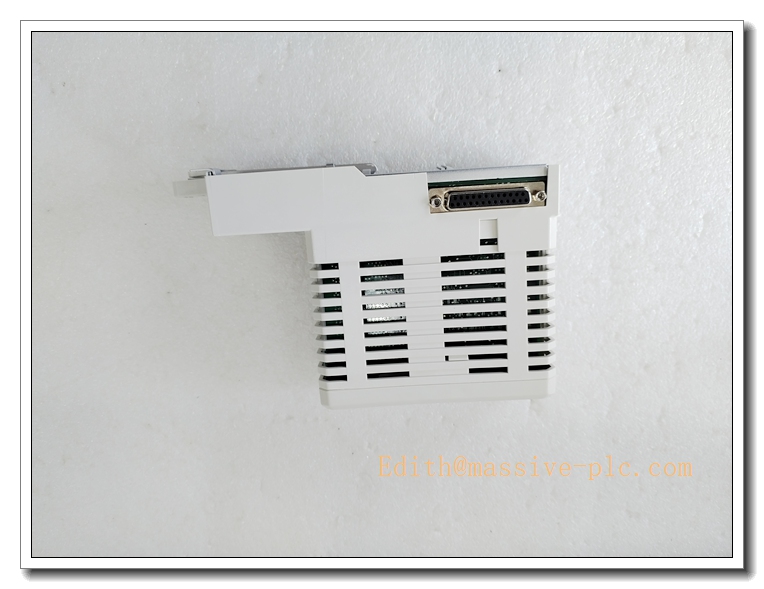
- Dimension: 59 mm W × 185 mm H × 127.5 mm D
- Weight: Approx. 0.55 kg
- Power supply: 24VDC via backplane, typical 100mA, max 150mA
- Power consumption: Typical 2.4W
- Condition: Original new / refurbished spare available
- Compliance: CE, ISA 71.04 G3 corrosion protection, IEC EMC standard
Parameters
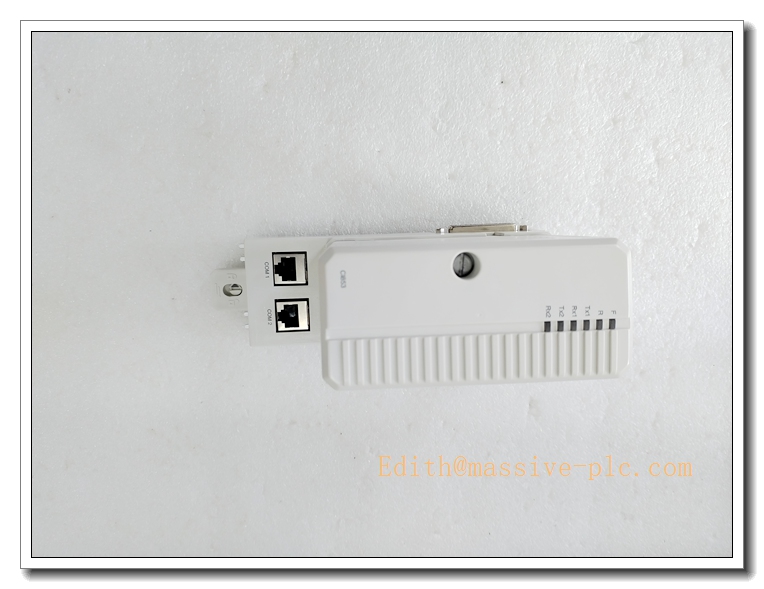
- Communication Channels: 2 independent RS232-C channels, 8-pin RJ45 female connectors
- Supported Protocols: Modbus RTU, ABB COMLI, Siemens 3964R, user-defined serial protocol
- Baud Rate: 75 ~ 19200 bps (up to 115200 bps configurable)
- Operation Mode: Master / Slave selectable
- Galvanic Isolation: 500V AC isolation between communication port and control logic
- Max modules on CEX bus: Up to 12 pcs per AC800M controller
- Hot Swap: Supported
- Operating Temperature: 0°C ~ +55°C
- Storage Temperature: -40°C ~ +70°C
- Relative Humidity: 5%~95% RH, non-condensing
- Status Indicator: Front panel LED indicators for power, channel communication and fault alarm
Key Features
- Dual independent RS232-C serial ports, support multiple mainstream serial protocols
- Support Modbus RTU and ABB COMLI protocol for cross-brand device interconnection
- Galvanic isolation design to suppress interference and protect controller hardware
- Hot-swap function, module replacement without controller power shutdown
- G3 anti-corrosion coating, stable operation in heavy industrial corrosive environment
- Front LED status indicators for fast communication fault diagnosis
- Standard CEX bus rack installation, easy to install and replace
- Rich protocol compatibility, ideal spare for integrating legacy serial devices into 800xA DCS
CI853K01
ABB Same Series Related Models (≥6)
- CI853K01 3BSE018103R1
- CI854BK01 3BSE069449R1
- CI855 3BSE018106R1
- CI856 3BSE026055R1
- CI857 3BSE018108R1
- CI858 3BSE018109R1
- CI867K01 3BSE030220R1
Maintenance
- Routine inspection: Check module LED status, RJ45 connector and serial cable condition every 6–12 months
- Clean dust on module surface with dry compressed air; liquid solvent cleaning is prohibited
- ESD protection must be adopted during disassembly, anti-static wristband required
- When serial communication interruption occurs, check baud rate, station address, cable wiring and grounding
- Do not power on the module if PCB corrosion, burn marks or condensation are found
- We support function testing, refurbishment and spare replacement service for this serial communication module
Installation
- Can perform hot-swap replacement following system safety procedure or cut off cabinet power supply.
- Wear anti-static wristband to prevent electrostatic damage to PCB components.
- Insert CI853K01 module into the designated CEX bus slot of AC800M rack, lock the fastening latch.
- Connect RS232 serial cables to RJ45 ports, ensure cable shielding and grounding properly.
- Configure communication protocol, baud rate and station address via control software.
- Check all connections and confirm no loose wiring inside cabinet.
- Restore power supply, download controller configuration.
- Verify serial communication status, test data exchange with field serial devices and complete commissioning.

 Start Chat