Description
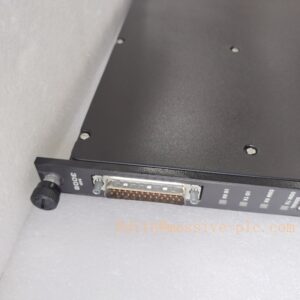
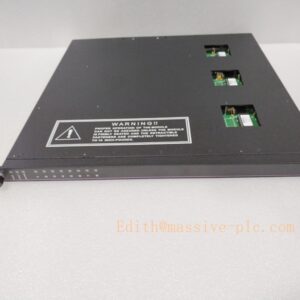
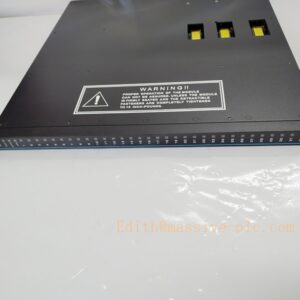
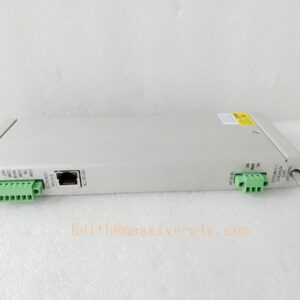
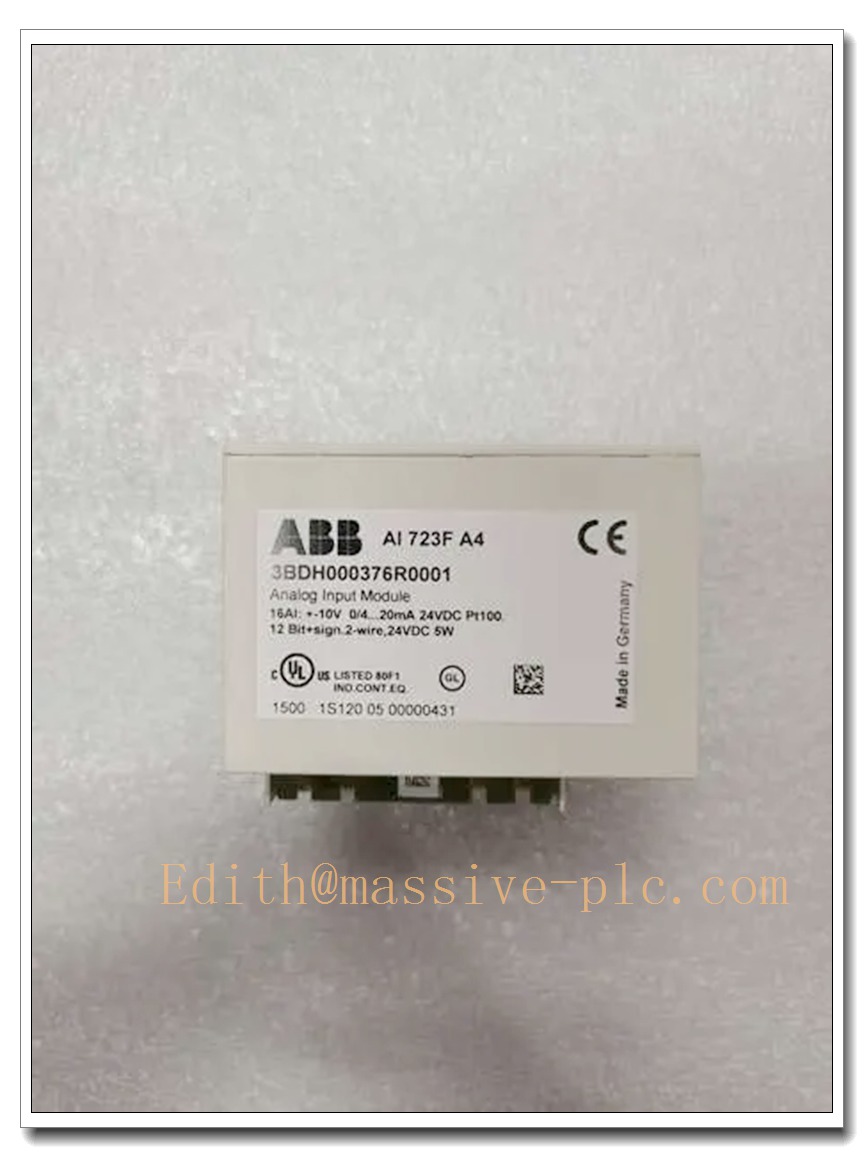
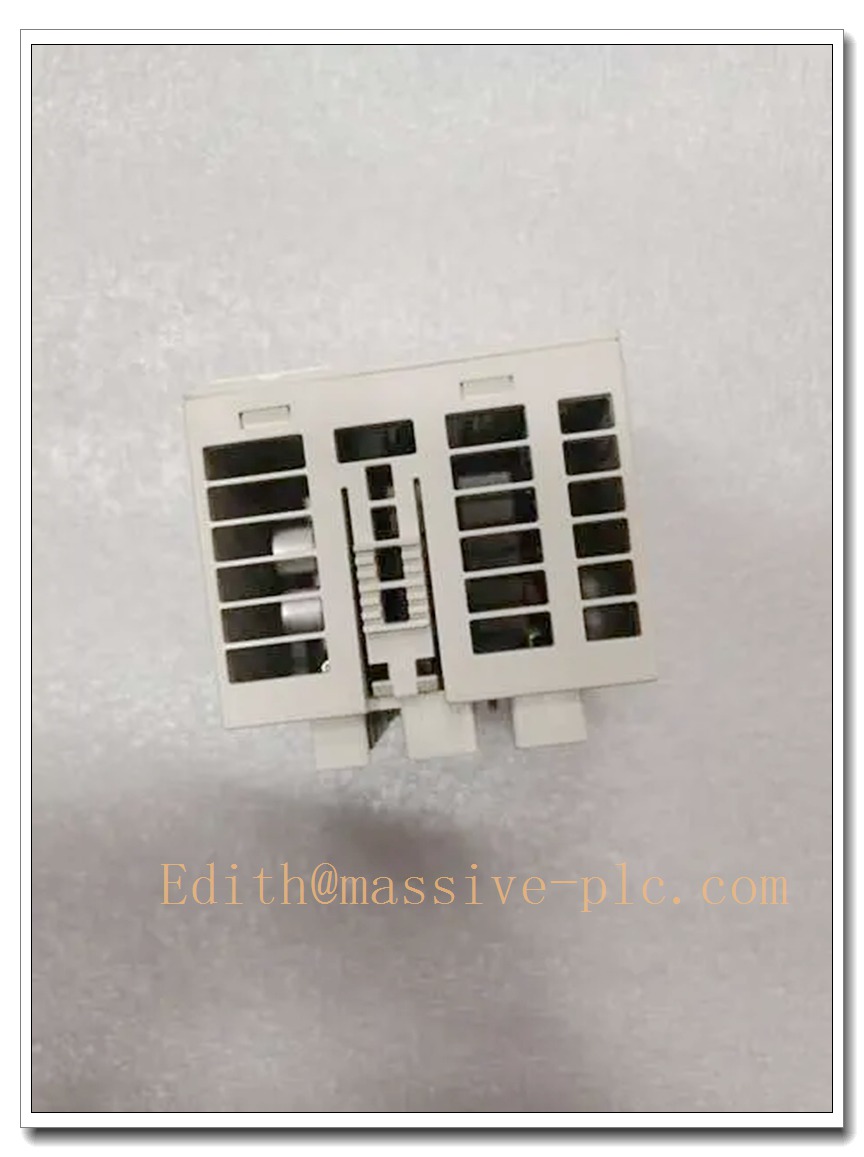
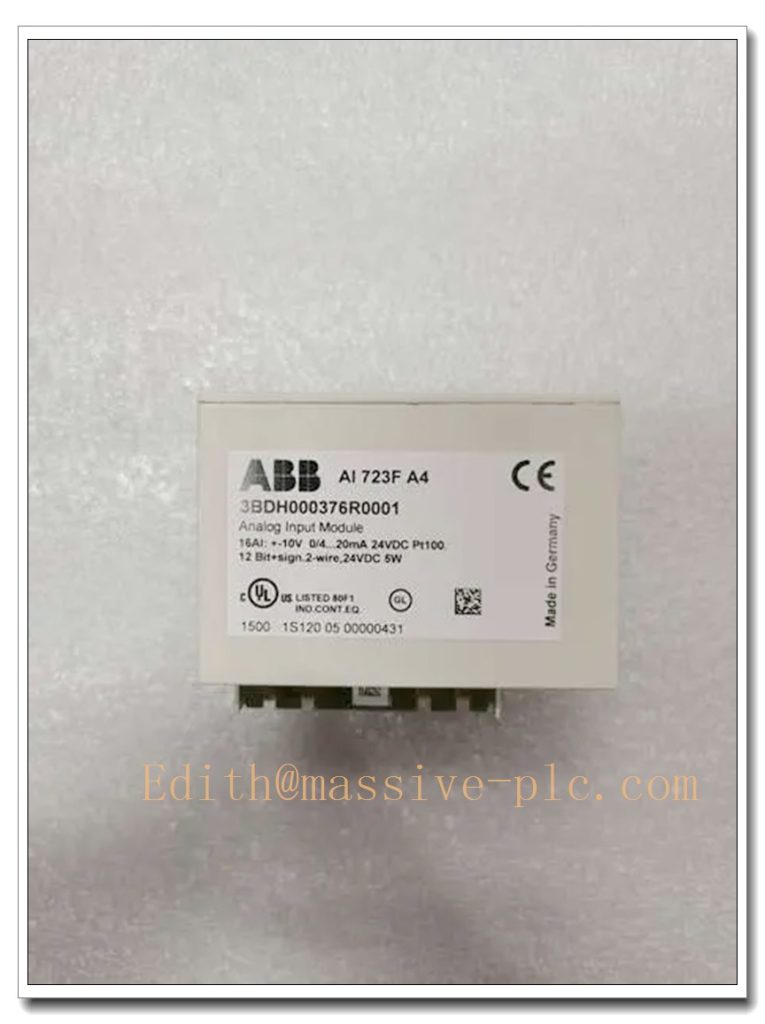
ABB AI723F Analog Input Module | S700 I/O for Freelance DCS Spare Part
Product Overview
The ABB AI723F (Order code: 3BDH000376R0005) is a 16-channel configurable analog input module belonging to the S700 I/O series for ABB Freelance DCS, not S800. It supports multi-type signal acquisition, including voltage, current and RTD temperature sensors, and can also be configured as digital input channels. It works as direct I/O for AC700F / AC900F controllers or PROFIBUS DP remote I/O for Freelance system.This flexible multi-purpose I/O module is widely used in chemical, power, pulp & paper and water treatment plants for field sensor signal collection. It supports hot-swap, on-board channel diagnostics and group isolation, which helps engineers replace faulty units without full system shutdown and reduces plant downtime. It must be matched with TU715F or TU716F terminal base unit.
AI723F
Key Technical Specifications
| Item | Parameter |
|---|---|
| Part Number | AI723F, 3BDH000376R0005 |
| Product Family | S700 I/O, Freelance DCS |
| Channel Count | 16 configurable analog input channels, divided into 2 groups |
| Resolution | 12 bit + sign |
| Signal Types | 0…10 V, ±10 V, 0/4…20 mA, Pt100 / Pt1000 / Ni1000 RTD (2-wire / 3-wire), DI |
| Isolation | Galvanic isolation between module internal circuit and field side; no inter-channel isolation |
| Terminal Unit | TU715F / TU716F |
| Fieldbus | PROFIBUS DP |
| Supply Voltage | 24 V DC |
| Operating Temperature | 0 °C ~ +60 °C |
| Storage Temperature | -20 °C ~ +70 °C |
| Relative Humidity | 5% ~ 95 %, non-condensing |
| Protection Class | IP20, cabinet installation only |
| Feature | Hot-swap, channel fault LED indication, online parameter configuration |
| Origin | Germany |
| Certification | CE, RoHS compliant |
Quality Control Procedure
- Visual & Marking Inspection: Check PCB, connectors, solder points, LED indicators and laser part code; verify ESD anti-static packaging integrity.
- Power Bench Test: Apply 24 VDC power supply, test power consumption and confirm no short circuit.
- Channel Calibration Test: Calibrate all 16 channels with standard signal source, verify accuracy for current, voltage and RTD modes.
- PROFIBUS Communication Test: Mount on TU716F base, connect to Freelance test station, check data acquisition and alarm reporting.
- Hot-swap Simulation Test: Verify bus recovery after module replacement without controller failure.
- 48-hour Burn-in Test: Continuous running under rated ambient temperature to eliminate intermittent defects.
- Compatibility Check: Cross-validate with AC700F, AC800F, AC900F and common Freelance firmware versions.
- Final Packing & Documentation: Record serial number and test report, pack in ESD bag with foam cushion.
Related S700 Freelance I/O Models (15 pcs, all in stock)
- AX722F
- AO723F
- DI724F
- DC723F
- AX721F
- DA701F
- TU715F
- TU716F
- CI773F
- CP720F
- AI731F
- DO720F
- DX722F
- FI721F
- BT720F
Frequently Asked Questions
Q1: Is AI723F S800 communication card?A: No. AI723F is S700 analog input module for Freelance DCS, not S800 series. S800 belongs to 800xA / AC800M architecture. Please do not mix S700 and S800 hardware.
A: It requires TU715F or TU716F terminal unit. The module cannot work standalone.
A: Yes, it supports hot-swap in valid rack configuration. But follow site safety lockout procedure for field wiring.
Q4: What are common failure symptoms?A: Individual channel error LED lighting, drifting analog reading, no signal acquisition, intermittent PROFIBUS communication dropout.
Q5: What is the warranty scope?A: 12-month functional warranty. Warranty excludes damage caused by reverse wiring, overvoltage, ESD shock, water ingress and incorrect terminal base matching.
Installation & Configuration Guide
Important Reminder: Wear ESD wrist strap all the time during handling. Static electricity may permanently damage the module circuit.
- Preparation: Power off the rack if not doing hot swap, prepare anti-static mat, screwdriver and Freelance engineering tool.
- Identify Slot & Base: Confirm the base unit is TU715F / TU716F and slot position matches hardware configuration.
- Remove Old Module: Release the locking latch and pull the module straight out gently.
- Inspect New Module: Check connector pins for bending or contamination, confirm model marking .
- Insert & Lock: Align the guide rails, push fully into the terminal base and lock the latch.
- Power Up & LED Check: Restore 24 VDC power. Check RUN indicator and channel error LEDs.
- Hardware Configuration: Open Freelance Control Builder, download hardware configuration and set each channel signal type (mA, V, RTD or DI).
- Signal Loop Test: Inject standard field signal to verify reading accuracy, clear historical fault alarms.
- Asset Record: Save serial number, installation date, rack slot and channel configuration for spare maintenance management.